Composable Component
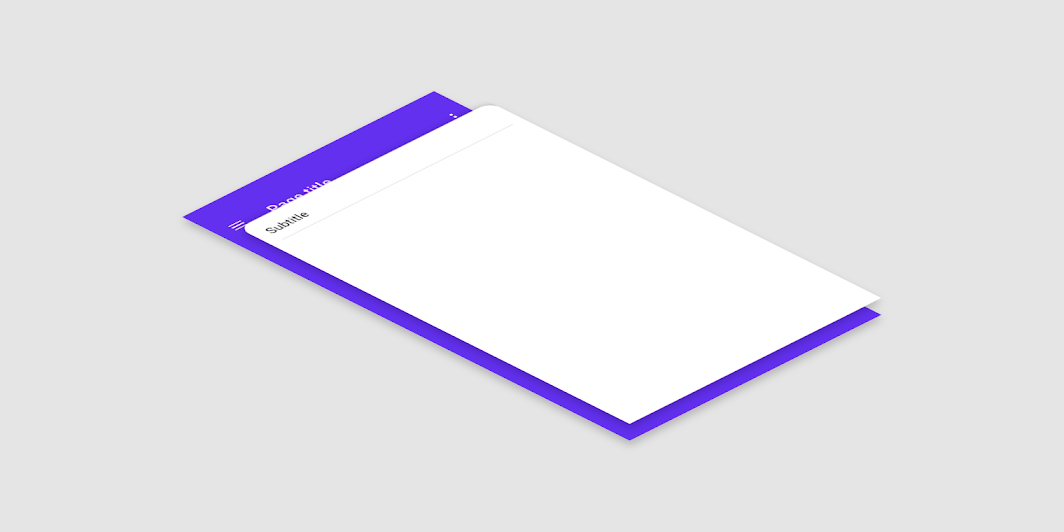
A backdrop appears behind all other surfaces in an app, displaying contextual and actionable
content.
Common
```kotlin
@Composable
fun BackdropScaffold(
appBar: @Composable () -> Unit,
backLayerContent: @Composable () -> Unit,
frontLayerContent: @Composable () -> Unit,
modifier: Modifier = Modifier,
scaffoldState: BackdropScaffoldState = rememberBackdropScaffoldState(Concealed),
snackbarHost: @Composable (SnackbarHostState) -> Unit = { SnackbarHost(it) },
gesturesEnabled: Boolean = true,
peekHeight: Dp = BackdropScaffoldDefaults.PeekHeight,
headerHeight: Dp = BackdropScaffoldDefaults.HeaderHeight,
persistentAppBar: Boolean = true,
stickyFrontLayer: Boolean = true,
backLayerBackgroundColor: Color = MaterialTheme.colors.primary,
backLayerContentColor: Color = contentColorFor(backLayerBackgroundColor),
frontLayerShape: Shape = BackdropScaffoldDefaults.frontLayerShape,
frontLayerElevation: Dp = BackdropScaffoldDefaults.FrontLayerElevation,
frontLayerBackgroundColor: Color = MaterialTheme.colors.surface,
frontLayerContentColor: Color = contentColorFor(frontLayerBackgroundColor),
frontLayerScrimColor: Color = BackdropScaffoldDefaults.frontLayerScrimColor,
)
```
#### Parameters
| | |
| --- | --- |
| appBar | App bar for the back layer. Make sure that the `peekHeight` is equal to the height of the app bar, so that the app bar is fully visible. Consider using `TopAppBar` but set the elevation to 0dp and background color to transparent as a surface is already provided. |
| backLayerContent | The content of the back layer. |
| frontLayerContent | The content of the front layer. |
| modifier | Optional `Modifier` for the root of the scaffold. |
| scaffoldState | The state of the scaffold. |
| snackbarHost | The component hosting the snackbars shown inside the scaffold. |
| gesturesEnabled | Whether or not the backdrop can be interacted with by gestures. |
| peekHeight | The height of the visible part of the back layer when it is concealed. |
| headerHeight | The minimum height of the front layer when it is inactive. |
| persistentAppBar | Whether the app bar should be shown when the back layer is revealed. By default, it will always be shown above the back layer's content. If this is set to `false`, the back layer will automatically switch between the app bar and its content with an animation. |
| stickyFrontLayer | Whether the front layer should stick to the height of the back layer. |
| backLayerBackgroundColor | The background color of the back layer. |
| backLayerContentColor | The preferred content color provided by the back layer to its children. Defaults to the matching content color for `backLayerBackgroundColor`, or if that is not a color from the theme, this will keep the same content color set above the back layer. |
| frontLayerShape | The shape of the front layer. |
| frontLayerElevation | The elevation of the front layer. |
| frontLayerBackgroundColor | The background color of the front layer. |
| frontLayerContentColor | The preferred content color provided by the back front to its children. Defaults to the matching content color for `frontLayerBackgroundColor`, or if that is not a color from the theme, this will keep the same content color set above the front layer. |
| frontLayerScrimColor | The color of the scrim applied to the front layer when the back layer is revealed. If the color passed is `Color.Unspecified`, then a scrim will not be applied and interaction with the front layer will not be blocked when the back layer is revealed. |