Composable Component
Radio buttons allow users to select one option from a set.
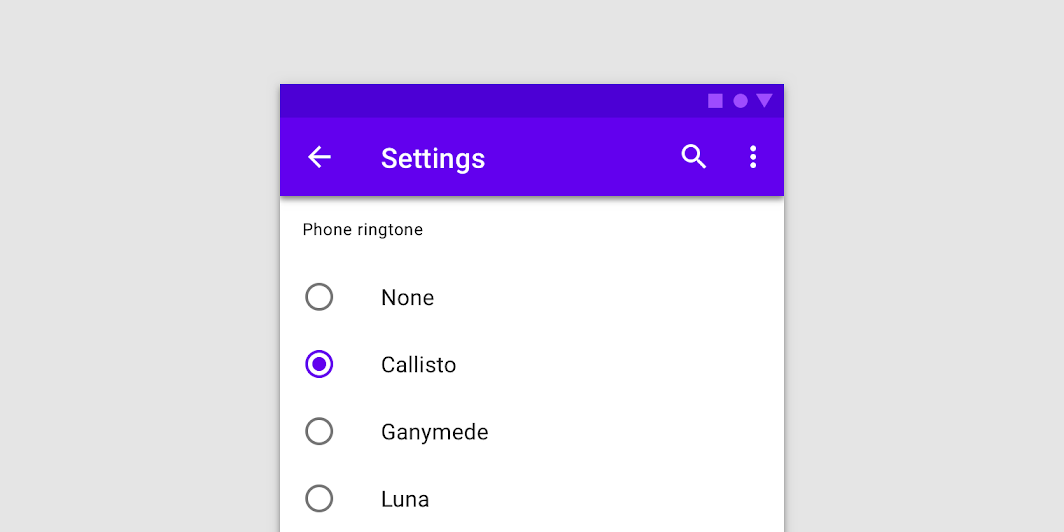
Common
```kotlin
@Composable
fun RadioButton(
selected: Boolean,
onClick: (() -> Unit)?,
modifier: Modifier = Modifier,
enabled: Boolean = true,
interactionSource: MutableInteractionSource? = null,
colors: RadioButtonColors = RadioButtonDefaults.colors(),
)
```
#### Parameters
| | |
| --- | --- |
| selected | whether this radio button is selected or not |
| onClick | callback to be invoked when the RadioButton is clicked. If null, then this RadioButton will not handle input events, and only act as a visual indicator of `selected` state |
| modifier | Modifier to be applied to the radio button |
| enabled | Controls the enabled state of the `RadioButton`. When `false`, this button will not be selectable and appears disabled |
| interactionSource | an optional hoisted `MutableInteractionSource` for observing and emitting `Interaction`s for this radio button. You can use this to change the radio button's appearance or preview the radio button in different states. Note that if `null` is provided, interactions will still happen internally. |
| colors | `RadioButtonColors` that will be used to resolve the color used for this RadioButton in different states. See `RadioButtonDefaults.colors`. |