Composable Component
A search bar represents a field that allows users to enter a keyword or phrase and get relevant
information. It can be used as a way to navigate through an app via search queries.
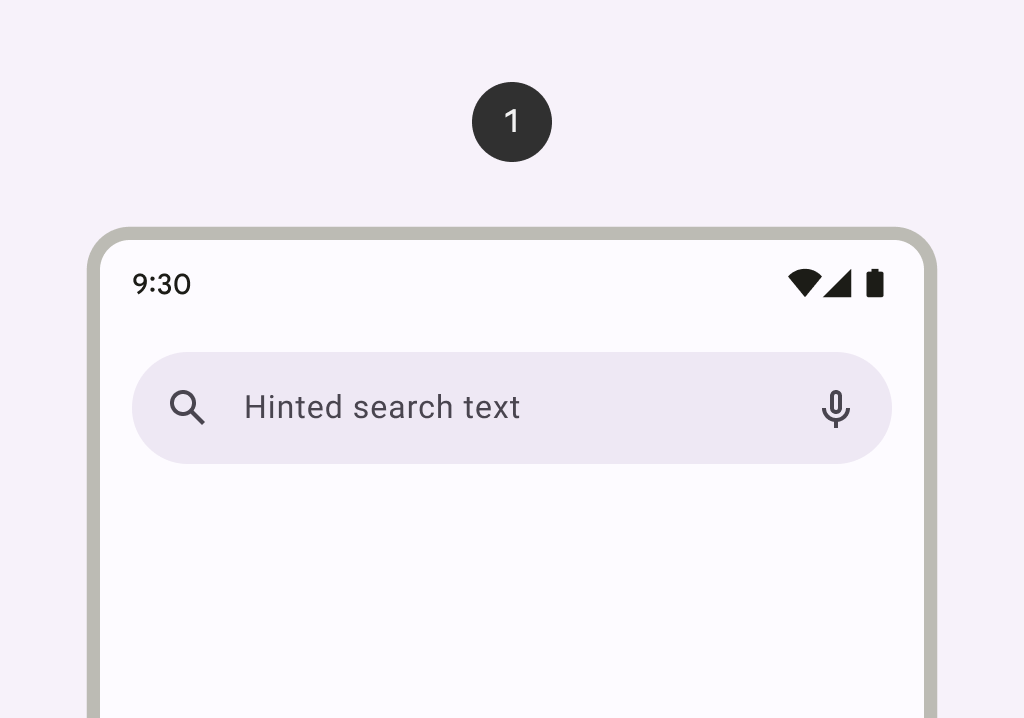
AppBarWithSearch
Common
```kotlin
@ExperimentalMaterial3Api
@Composable
fun AppBarWithSearch(
state: SearchBarState,
inputField: @Composable () -> Unit,
modifier: Modifier = Modifier,
navigationIcon: @Composable (() -> Unit)? = null,
actions: @Composable (RowScope.() -> Unit)? = null,
shape: Shape = SearchBarDefaults.inputFieldShape,
colors: AppBarWithSearchColors = SearchBarDefaults.appBarWithSearchColors(),
tonalElevation: Dp = SearchBarDefaults.TonalElevation,
shadowElevation: Dp = SearchBarDefaults.ShadowElevation,
contentPadding: PaddingValues = SearchBarDefaults.AppBarContentPadding,
windowInsets: WindowInsets = SearchBarDefaults.windowInsets,
scrollBehavior: SearchBarScrollBehavior? = null,
)
```
#### Parameters
| | |
| --- | --- |
| state | the state of the search bar. This state should also be passed to the `inputField` and the expanded search bar. |
| inputField | the input field of this search bar that allows entering a query, typically a `SearchBarDefaults.InputField`. |
| modifier | the `Modifier` to be applied to this search bar when collapsed. |
| navigationIcon | the icon displayed at the start of the app bar before the search bar. This should typically be an `IconButton` or `IconToggleButton`. |
| actions | the icons displayed at the end of the app bar after the search bar. This should typically be `IconButton`s. The default layout here is a `Row`, so icons inside will be placed horizontally. |
| shape | the shape of this search bar when collapsed. |
| colors | `SearchBarColors` that will be used to resolve the colors used for this search bar. See `SearchBarDefaults.colors`. |
| tonalElevation | when `SearchBarColors.containerColor` is `ColorScheme.surface`, a translucent primary color overlay is applied on top of the container. A higher tonal elevation value will result in a darker color in light theme and lighter color in dark theme. See also: `Surface`. |
| shadowElevation | the elevation for the shadow below this search bar. |
| contentPadding | the spacing values to apply internally between the container and the content. |
| windowInsets | the window insets that the search bar will respect when collapsed. |
| scrollBehavior | a `SearchBarScrollBehavior` which works in conjunction with a scrolled content to change the search bar appearance as the content scrolls. If null, the search bar will not automatically react to scrolling. |