---
title: "BottomSheetScaffold"
description: "Standard bottom sheets co-exist with the screen’s main UI region and allow for simultaneously
viewing and interacting with both regions. They are commonly used to keep a feature or secondary
content visible on screen when content in main UI region is frequently scrolled or panned."
type: "component"
social_image: "/static/images/material3/bottom_sheet.png"
---
Composable Component
Standard bottom sheets co-exist with the screen’s main UI region and allow for simultaneously
viewing and interacting with both regions. They are commonly used to keep a feature or secondary
content visible on screen when content in main UI region is frequently scrolled or panned.
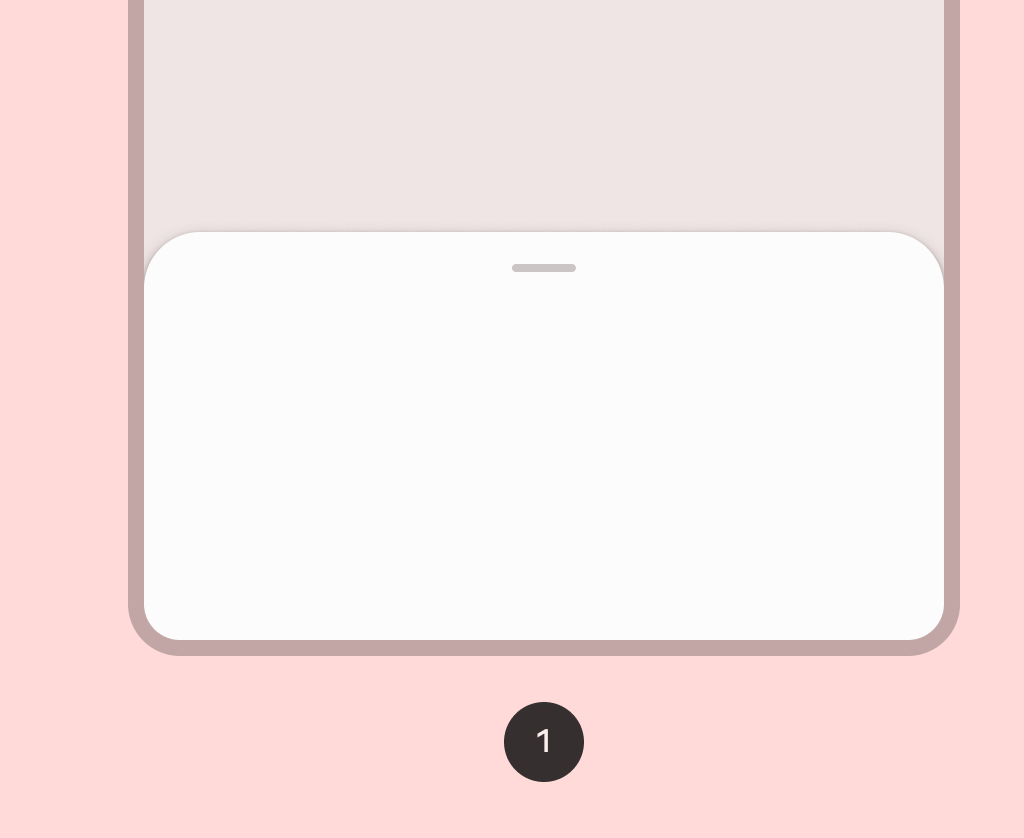
Common
```kotlin
@Composable
@ExperimentalMaterial3Api
fun BottomSheetScaffold(
sheetContent: @Composable ColumnScope.() -> Unit,
modifier: Modifier = Modifier,
scaffoldState: BottomSheetScaffoldState = rememberBottomSheetScaffoldState(),
sheetPeekHeight: Dp = BottomSheetDefaults.SheetPeekHeight,
sheetMaxWidth: Dp = BottomSheetDefaults.SheetMaxWidth,
sheetShape: Shape = BottomSheetDefaults.ExpandedShape,
sheetContainerColor: Color = BottomSheetDefaults.ContainerColor,
sheetContentColor: Color = contentColorFor(sheetContainerColor),
sheetTonalElevation: Dp = 0.dp,
sheetShadowElevation: Dp = BottomSheetDefaults.Elevation,
sheetDragHandle: @Composable (() -> Unit)? = { BottomSheetDefaults.DragHandle() },
sheetSwipeEnabled: Boolean = true,
topBar: @Composable (() -> Unit)? = null,
snackbarHost: @Composable (SnackbarHostState) -> Unit = { SnackbarHost(it) },
containerColor: Color = MaterialTheme.colorScheme.surface,
contentColor: Color = contentColorFor(containerColor),
content: @Composable (PaddingValues) -> Unit,
)
```
#### Parameters
| | |
| --- | --- |
| sheetContent | the content of the bottom sheet |
| modifier | the `Modifier` to be applied to the root of the scaffold |
| scaffoldState | the state of the bottom sheet scaffold |
| sheetPeekHeight | the height of the bottom sheet when it is collapsed |
| sheetMaxWidth | `Dp` that defines what the maximum width the sheet will take. Pass in `Dp.Unspecified` for a sheet that spans the entire screen width. |
| sheetShape | the shape of the bottom sheet |
| sheetContainerColor | the background color of the bottom sheet |
| sheetContentColor | the preferred content color provided by the bottom sheet to its children. Defaults to the matching content color for `sheetContainerColor`, or if that is not a color from the theme, this will keep the same content color set above the bottom sheet. |
| sheetTonalElevation | when `sheetContainerColor` is `ColorScheme.surface`, a translucent primary color overlay is applied on top of the container. A higher tonal elevation value will result in a darker color in light theme and lighter color in dark theme. See also: `Surface`. |
| sheetShadowElevation | the shadow elevation of the bottom sheet |
| sheetDragHandle | optional visual marker to pull the scaffold's bottom sheet |
| sheetSwipeEnabled | whether the sheet swiping is enabled and should react to the user's input |
| topBar | top app bar of the screen, typically a `TopAppBar` |
| snackbarHost | component to host `Snackbar`s that are pushed to be shown via `SnackbarHostState.showSnackbar`, typically a `SnackbarHost` |
| containerColor | the color used for the background of this scaffold. Use `Color.Transparent` to have no color. |
| contentColor | the preferred color for content inside this scaffold. Defaults to either the matching content color for `containerColor`, or to the current `LocalContentColor` if `containerColor` is not a color from the theme. |
| content | content of the screen. The lambda receives a `PaddingValues` that should be applied to the content root via `androidx.compose.foundation.layout.padding` and `androidx.compose.foundation.layout.consumeWindowInsets` to properly offset top and bottom bars. If using `androidx.compose.foundation.verticalScroll`, apply this modifier to the child of the scroll, and not on the scroll itself. |
## Code Examples
### SimpleBottomSheetScaffoldSample
```kotlin
@Preview
@OptIn(ExperimentalMaterial3Api::class)
@Composable
fun SimpleBottomSheetScaffoldSample() {
val scope = rememberCoroutineScope()
val scaffoldState = rememberBottomSheetScaffoldState()
BottomSheetScaffold(
scaffoldState = scaffoldState,
sheetPeekHeight = 128.dp,
sheetContent = {
Column(Modifier.fillMaxWidth(), horizontalAlignment = Alignment.CenterHorizontally) {
Box(Modifier.fillMaxWidth().height(128.dp), contentAlignment = Alignment.Center) {
Text("Swipe up to expand sheet")
}
Text("Sheet content")
Button(
modifier =
Modifier.padding(bottom = 64.dp).focusProperties {
// Make sure the button is not keyboard focusable when it's offscreen.
canFocus =
scaffoldState.bottomSheetState.currentValue == SheetValue.Expanded
},
onClick = { scope.launch { scaffoldState.bottomSheetState.partialExpand() } },
) {
Text("Click to collapse sheet")
}
}
},
) { innerPadding ->
Box(
modifier = Modifier.fillMaxSize().padding(innerPadding),
contentAlignment = Alignment.Center,
) {
Text("Scaffold Content")
}
}
}
```