---
title: "RadioButton"
description: "Radio buttons allow users to select one option from a set."
type: "component"
social_image: "/static/images/material3/radio-button.png"
---
Composable Component
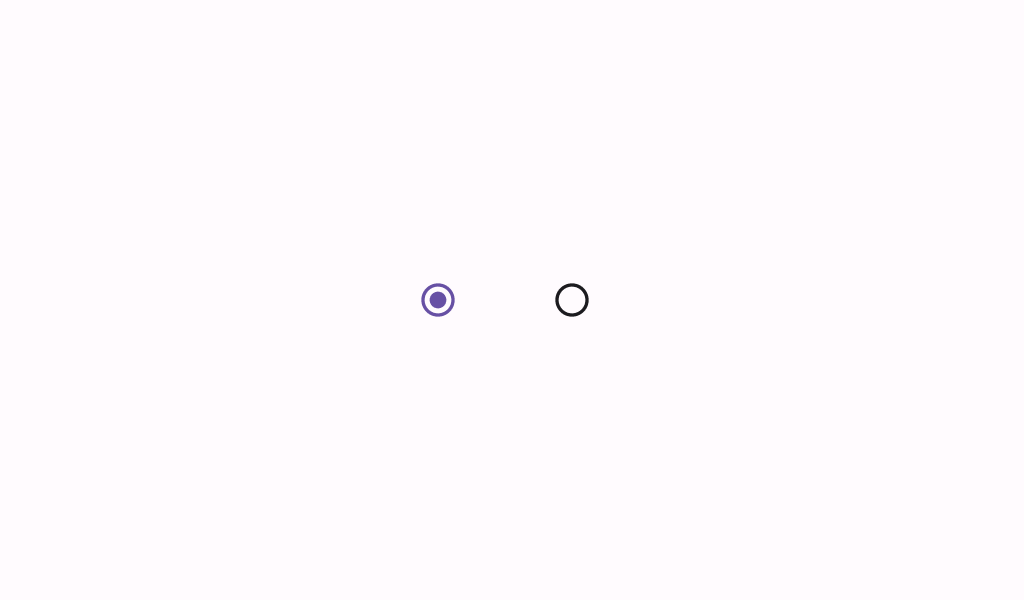
Radio buttons allow users to select one option from a set.
Common
```kotlin
@Composable
fun RadioButton(
selected: Boolean,
onClick: (() -> Unit)?,
modifier: Modifier = Modifier,
enabled: Boolean = true,
colors: RadioButtonColors = RadioButtonDefaults.colors(),
interactionSource: MutableInteractionSource? = null,
)
```
#### Parameters
| | |
| --- | --- |
| selected | whether this radio button is selected or not |
| onClick | called when this radio button is clicked. If `null`, then this radio button will not be interactable, unless something else handles its input events and updates its state. |
| modifier | the `Modifier` to be applied to this radio button |
| enabled | controls the enabled state of this radio button. When `false`, this component will not respond to user input, and it will appear visually disabled and disabled to accessibility services. |
| colors | `RadioButtonColors` that will be used to resolve the color used for this radio button in different states. See `RadioButtonDefaults.colors`. |
| interactionSource | an optional hoisted `MutableInteractionSource` for observing and emitting `Interaction`s for this radio button. You can use this to change the radio button's appearance or preview the radio button in different states. Note that if `null` is provided, interactions will still happen internally. |
## Code Examples
### RadioButtonSample
```kotlin
@Preview
@Composable
fun RadioButtonSample() {
// We have two radio buttons and only one can be selected
var state by remember { mutableStateOf(true) }
// Note that Modifier.selectableGroup() is essential to ensure correct accessibility behavior.
// We also set a content description for this sample, but note that a RadioButton would usually
// be part of a higher level component, such as a raw with text, and that component would need
// to provide an appropriate content description. See RadioGroupSample.
Row(Modifier.selectableGroup()) {
RadioButton(
selected = state,
onClick = { state = true },
modifier = Modifier.semantics { contentDescription = "Localized Description" },
)
RadioButton(
selected = !state,
onClick = { state = false },
modifier = Modifier.semantics { contentDescription = "Localized Description" },
)
}
}
```
### RadioGroupSample
```kotlin
@Preview
@Composable
fun RadioGroupSample() {
val radioOptions = listOf("Calls", "Missed", "Friends")
val (selectedOption, onOptionSelected) = remember { mutableStateOf(radioOptions[0]) }
// Note that Modifier.selectableGroup() is essential to ensure correct accessibility behavior
Column(Modifier.selectableGroup()) {
radioOptions.forEach { text ->
Row(
Modifier.fillMaxWidth()
.height(56.dp)
.selectable(
selected = (text == selectedOption),
onClick = { onOptionSelected(text) },
role = Role.RadioButton,
)
.padding(horizontal = 16.dp),
verticalAlignment = Alignment.CenterVertically,
) {
RadioButton(
selected = (text == selectedOption),
onClick = null, // null recommended for accessibility with screenreaders
)
Text(
text = text,
style = MaterialTheme.typography.bodyLarge,
modifier = Modifier.padding(start = 16.dp),
)
}
}
}
}
```