Composable Component
Vertical Sliders allow users to make selections from a range of values.
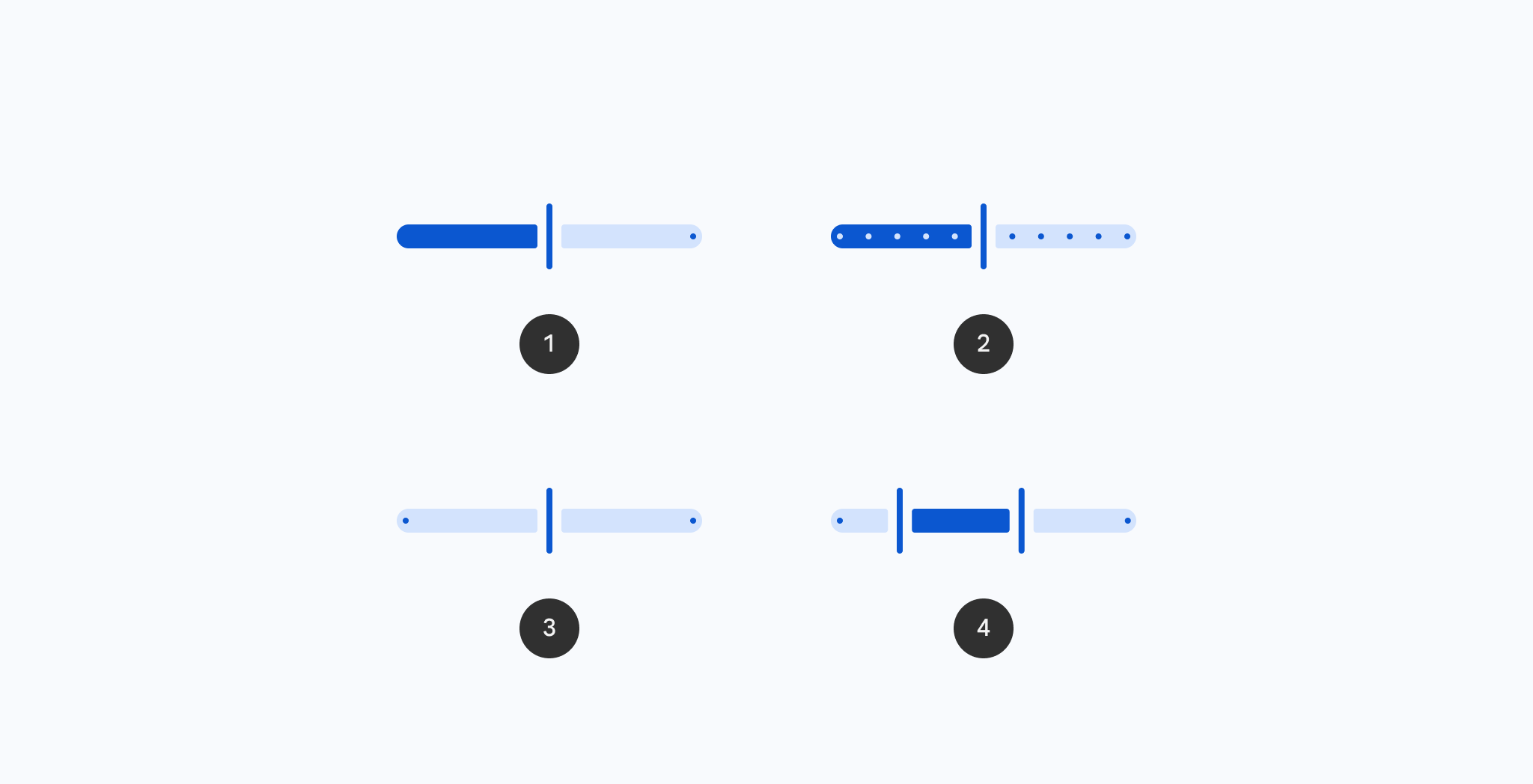
VerticalSlider
Common
```kotlin
@ExperimentalMaterial3ExpressiveApi
@Composable
fun VerticalSlider(
state: SliderState,
modifier: Modifier = Modifier,
enabled: Boolean = true,
reverseDirection: Boolean = false,
colors: SliderColors = SliderDefaults.colors(),
interactionSource: MutableInteractionSource = remember { MutableInteractionSource() },
thumb: @Composable (SliderState) -> Unit = { sliderState ->
SliderDefaults.Thumb(
interactionSource = interactionSource,
sliderState = sliderState,
colors = colors,
enabled = enabled,
thumbSize = VerticalThumbSize,
)
},
track: @Composable (SliderState) -> Unit = { sliderState ->
SliderDefaults.Track(
colors = colors,
enabled = enabled,
sliderState = sliderState,
trackCornerSize = Dp.Unspecified,
)
},
)
```
#### Parameters
| | |
| --- | --- |
| state | `SliderState` which contains the slider's current value. |
| modifier | the `Modifier` to be applied to this slider |
| enabled | controls the enabled state of this slider. When `false`, this component will not respond to user input, and it will appear visually disabled and disabled to accessibility services. |
| reverseDirection | controls the direction of this slider. Default is top to bottom. |
| colors | `SliderColors` that will be used to resolve the colors used for this slider in different states. See `SliderDefaults.colors`. |
| interactionSource | the `MutableInteractionSource` representing the stream of `Interaction`s for this slider. You can create and pass in your own `remember`ed instance to observe `Interaction`s and customize the appearance / behavior of this slider in different states. |
| thumb | the thumb to be displayed on the slider, it is placed on top of the track. The lambda receives a `SliderState` which is used to obtain the current active track. |
| track | the track to be displayed on the slider, it is placed underneath the thumb. The lambda receives a `SliderState` which is used to obtain the current active track. |