Composable Component
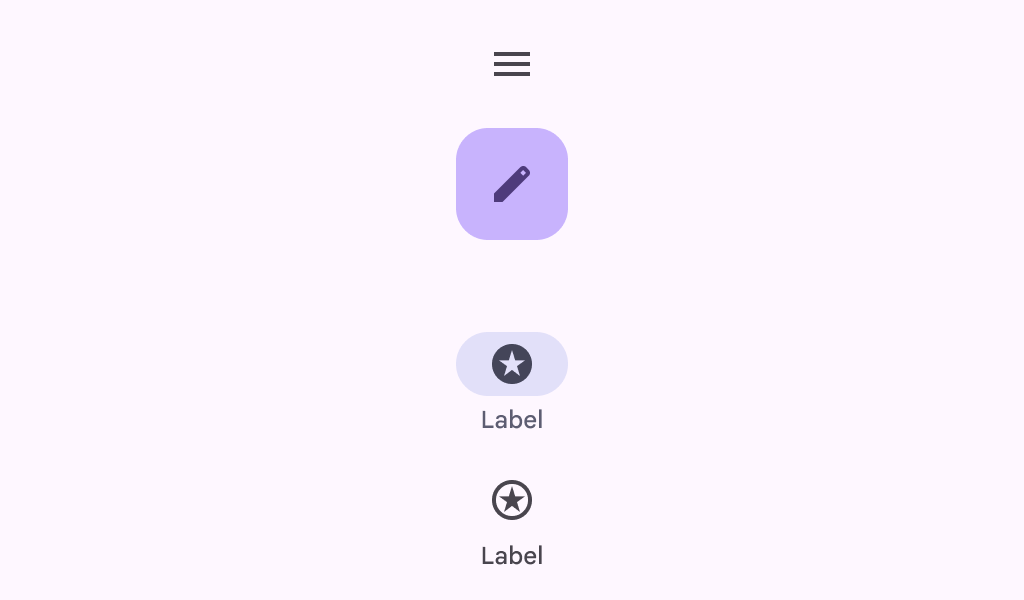
Material design wide navigation rail.
Common
```kotlin
@Composable
fun WideNavigationRail(
modifier: Modifier = Modifier,
state: WideNavigationRailState = rememberWideNavigationRailState(),
shape: Shape = WideNavigationRailDefaults.shape,
colors: WideNavigationRailColors = WideNavigationRailDefaults.colors(),
header: @Composable (() -> Unit)? = null,
windowInsets: WindowInsets = WideNavigationRailDefaults.windowInsets,
arrangement: Arrangement.Vertical = WideNavigationRailDefaults.arrangement,
contentPadding: PaddingValues = WideNavigationRailDefaults.ContentPadding,
content: @Composable () -> Unit,
)
```
#### Parameters
| | |
| --- | --- |
| modifier | the `Modifier` to be applied to this wide navigation rail |
| state | the `WideNavigationRailState` of this wide navigation rail |
| shape | defines the shape of this wide navigation rail's container. |
| colors | `WideNavigationRailColors` that will be used to resolve the colors used for this wide navigation rail. See `WideNavigationRailDefaults.colors` |
| header | optional header that may hold a `FloatingActionButton` or a logo |
| windowInsets | a window insets of the wide navigation rail |
| arrangement | the `Arrangement.Vertical` of this wide navigation rail for its content. Note that if there's a header present, the items will be arranged on the remaining space below it, except for the center arrangement which considers the entire height of the container |
| contentPadding | the spacing values to apply internally between the container and the content |
| content | the content of this wide navigation rail, typically `WideNavigationRailItem`s |
Common
> **Deprecated** Deprecated in favor of function with contentPadding parameter
```kotlin
@Composable
fun WideNavigationRail(
modifier: Modifier = Modifier,
state: WideNavigationRailState = rememberWideNavigationRailState(),
shape: Shape = WideNavigationRailDefaults.shape,
colors: WideNavigationRailColors = WideNavigationRailDefaults.colors(),
header: @Composable (() -> Unit)? = null,
windowInsets: WindowInsets = WideNavigationRailDefaults.windowInsets,
arrangement: Arrangement.Vertical = WideNavigationRailDefaults.arrangement,
content: @Composable () -> Unit,
)
```
#### Parameters
| | |
| --- | --- |
| modifier | the `Modifier` to be applied to this wide navigation rail |
| state | the `WideNavigationRailState` of this wide navigation rail |
| shape | defines the shape of this wide navigation rail's container. |
| colors | `WideNavigationRailColors` that will be used to resolve the colors used for this wide navigation rail. See `WideNavigationRailDefaults.colors` |
| header | optional header that may hold a `FloatingActionButton` or a logo |
| windowInsets | a window insets of the wide navigation rail |
| arrangement | the `Arrangement.Vertical` of this wide navigation rail for its content. Note that if there's a header present, the items will be arranged on the remaining space below it, except for the center arrangement which considers the entire height of the container |
| content | the content of this wide navigation rail, typically `WideNavigationRailItem`s |