Composable Component
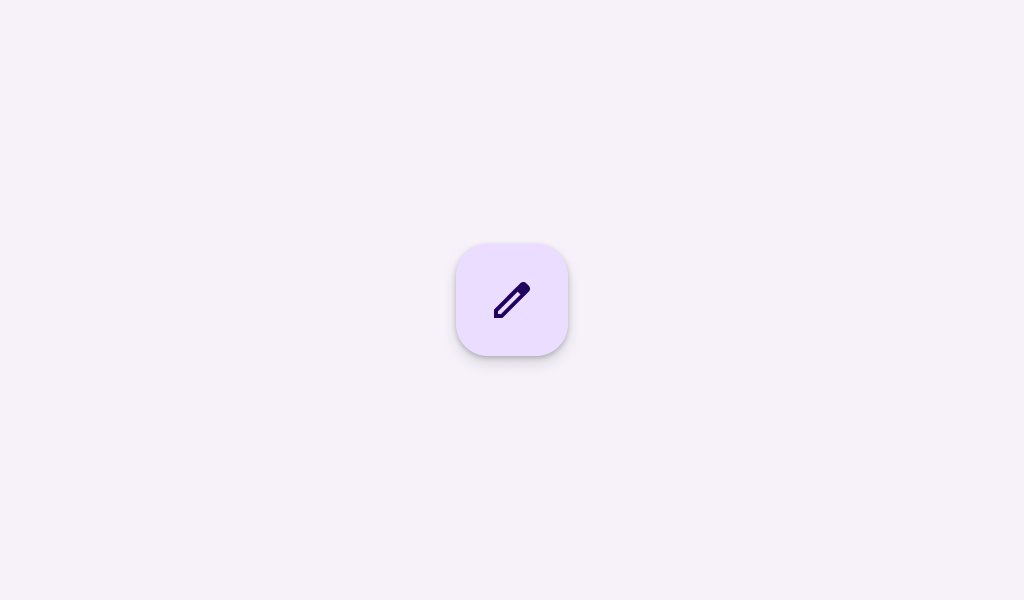
The FAB represents the most important action on a screen. It puts key actions within reach.
Common
@Composable
fun FloatingActionButton(
    onClick: () -> Unit,
    modifier: Modifier = Modifier,
    shape: Shape = FloatingActionButtonDefaults.shape,
    containerColor: Color = FloatingActionButtonDefaults.containerColor,
    contentColor: Color = contentColorFor(containerColor),
    elevation: FloatingActionButtonElevation = FloatingActionButtonDefaults.elevation(),
    interactionSource: MutableInteractionSource? = null,
    content: @Composable () -> Unit,
) =
    FloatingActionButton(
        onClick,
        ExtendedFabPrimaryTokens.LabelTextFont.value,
        FabBaselineTokens.ContainerWidth,
        FabBaselineTokens.ContainerHeight,
        modifier,
        shape,
        containerColor,
        contentColor,
        elevation,
        interactionSource,
        content,
    )
Parameters
| onClick | called when this FAB is clicked |
| modifier | the Modifier to be applied to this FAB |
| shape | defines the shape of this FAB's container and shadow (when using elevation) |
| containerColor | the color used for the background of this FAB. Use Color.Transparent to have no color. |
| contentColor | the preferred color for content inside this FAB. Defaults to either the matching content color for containerColor, or to the current LocalContentColor if containerColor is not a color from the theme. |
| elevation | FloatingActionButtonElevation used to resolve the elevation for this FAB in different states. This controls the size of the shadow below the FAB. Additionally, when the container color is ColorScheme.surface, this controls the amount of primary color applied as an overlay. See also: Surface. |
| interactionSource | an optional hoisted MutableInteractionSource for observing and emitting Interactions for this FAB. You can use this to change the FAB's appearance or preview the FAB in different states. Note that if null is provided, interactions will still happen internally. |
| content | the content of this FAB, typically an Icon |
Code Examples
FloatingActionButtonSample
@OptIn(ExperimentalMaterial3Api::class)
@Preview
@Composable
fun FloatingActionButtonSample() {
    // A FAB should have a tooltip associated with it.
    TooltipBox(
        positionProvider =
            TooltipDefaults.rememberTooltipPositionProvider(TooltipAnchorPosition.Above),
        tooltip = { PlainTooltip { Text("Localized description") } },
        state = rememberTooltipState(),
    ) {
        FloatingActionButton(onClick = { /* do something */ }) {
            Icon(Icons.Filled.Add, "Localized description")
        }
    }
}