Composable Component
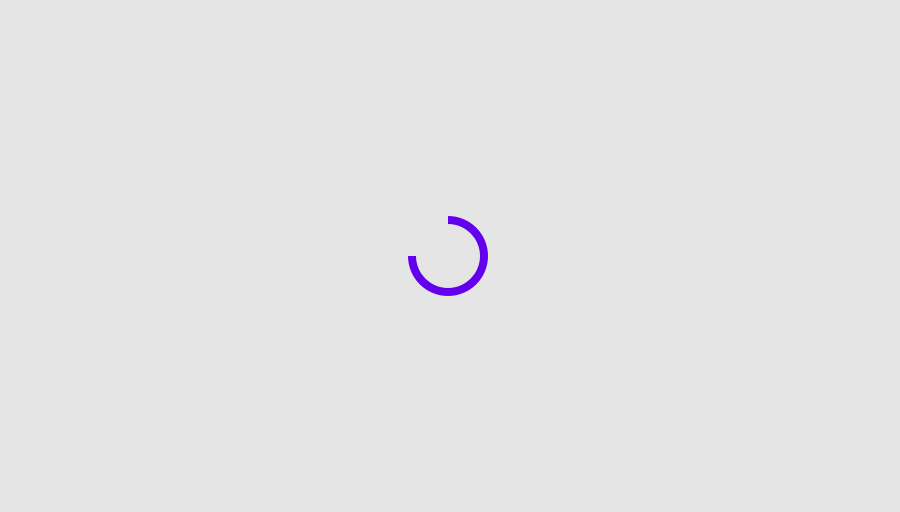
Determinate Material Design circular progress indicator.
Android
@Composable
public fun CircularProgressIndicator(
    @FloatRange(from = 0.0, to = 1.0) progress: Float,
    modifier: Modifier = Modifier,
    startAngle: Float = 270f,
    endAngle: Float = startAngle,
    indicatorColor: Color = MaterialTheme.colors.primary,
    trackColor: Color = MaterialTheme.colors.onBackground.copy(alpha = 0.1f),
    strokeWidth: Dp = ProgressIndicatorDefaults.StrokeWidth,
)
Parameters
| modifier | Modifier to be applied to the CircularProgressIndicator |
| progress | The progress of this progress indicator where 0.0 represents no progress and 1.0 represents completion. Values outside of this range are coerced into the range 0..1. |
| startAngle | The starting position of the progress arc, measured clockwise in degrees (0 to 360) from the 3 o'clock position. For example, 0 and 360 represent 3 o'clock, 90 and 180 represent 6 o'clock and 9 o'clock respectively. Default is 270 degrees (top of the screen) |
| endAngle | The ending position of the progress arc, measured clockwise in degrees (0 to 360) from the 3 o'clock position. For example, 0 and 360 represent 3 o'clock, 90 and 180 represent 6 o'clock and 9 o'clock respectively. By default equal to startAngle |
| indicatorColor | The color of the progress indicator bar. |
| trackColor | The color of the background progress track. |
| strokeWidth | The stroke width for the progress indicator. |
Android
@Composable
public fun CircularProgressIndicator(
    modifier: Modifier = Modifier,
    startAngle: Float = 270f,
    indicatorColor: Color = MaterialTheme.colors.onBackground,
    trackColor: Color = MaterialTheme.colors.onBackground.copy(alpha = 0.3f),
    strokeWidth: Dp = IndeterminateStrokeWidth,
)
Parameters
| modifier | Modifier to be applied to the CircularProgressIndicator |
| startAngle | The starting position of the progress arc, measured clockwise in degrees (0 to 360) from the 3 o'clock position. For example, 0 and 360 represent 3 o'clock, 90 and 180 represent 6 o'clock and 9 o'clock respectively. Default is 270 degrees (top of the screen) |
| indicatorColor | The color of the progress indicator bar. |
| trackColor | The color of the background progress track |
| strokeWidth | The stroke width for the progress indicator. |
Code Examples
CircularProgressIndicatorFullscreenWithGap
@Composable
public fun CircularProgressIndicatorFullscreenWithGap() {
    CircularProgressIndicator(
        modifier = Modifier.fillMaxSize().padding(all = 1.dp).clearAndSetSemantics {},
        startAngle = 295.5f,
        endAngle = 245.5f,
        progress = 0.3f,
        strokeWidth = ProgressIndicatorDefaults.FullScreenStrokeWidth,
    )
}
CircularProgressIndicatorWithAnimation
@Composable
public fun CircularProgressIndicatorWithAnimation() {
    var progress by remember { mutableStateOf(0.1f) }
    val animatedProgress by
        animateFloatAsState(
            targetValue = progress,
            animationSpec = ProgressIndicatorDefaults.ProgressAnimationSpec,
        )
    Column(horizontalAlignment = Alignment.CenterHorizontally) {
        CircularProgressIndicator(progress = animatedProgress)
        Spacer(Modifier.requiredHeight(10.dp))
        CompactChip(
            modifier = Modifier.width(90.dp),
            onClick = { if (progress < 1f) progress += 0.1f },
            label = { Text("Increase") },
        )
    }
}
IndeterminateCircularProgressIndicator
@Composable
public fun IndeterminateCircularProgressIndicator() {
    CircularProgressIndicator()
}