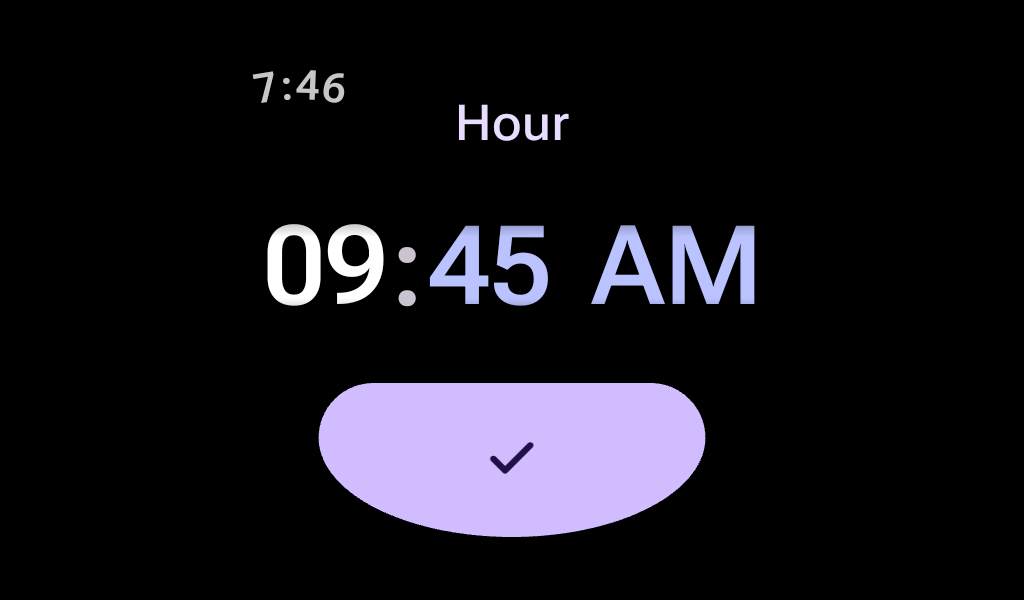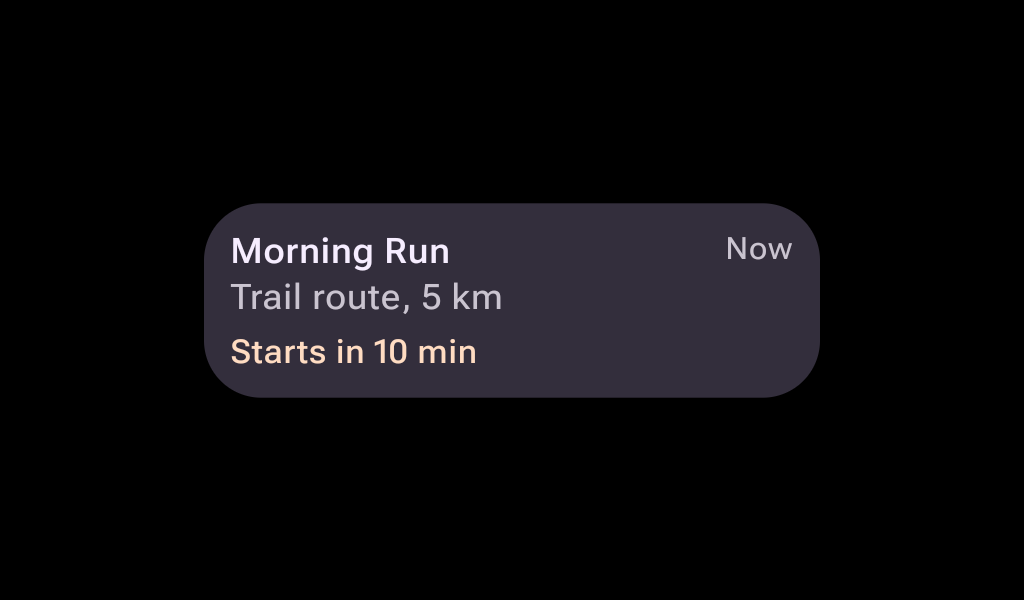
AlertDialog
In Wear Material 3 Compose

@Composable

fun SwipeToRevealSample() {
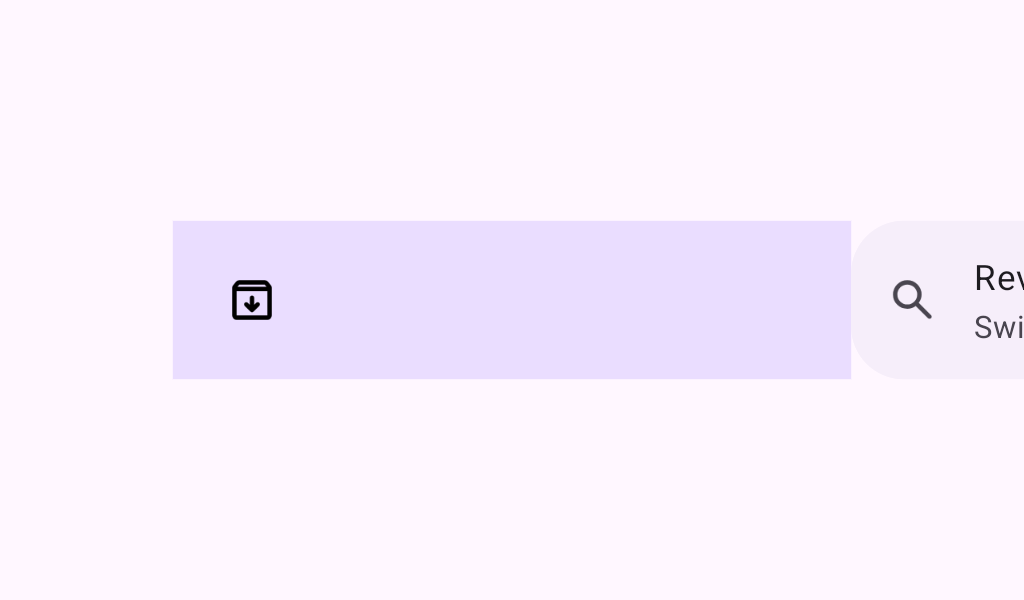
    SwipeToReveal(
        primaryAction = {
            PrimaryActionButton(
                onClick = { /* This block is called when the primary action is executed. */ },
                icon = { Icon(Icons.Outlined.Delete, contentDescription = "Delete") },
                text = { Text("Delete") },
            )
        },
        onSwipePrimaryAction = { /* This block is called when the full swipe gesture is performed. */
        },
        secondaryAction = {
            SecondaryActionButton(
                onClick = { /* This block is called when the secondary action is executed. */ },
                icon = { Icon(Icons.Outlined.MoreVert, contentDescription = "Options") },
            )
        },
        undoPrimaryAction = {
            UndoActionButton(
                onClick = { /* This block is called when the undo primary action is executed. */ },
                text = { Text("Undo Delete") },
            )
        },
    ) {
        Button(
            modifier =
                Modifier.fillMaxWidth().semantics {
                    // Use custom actions to make the primary and secondary actions accessible
                    customActions =
                        listOf(
                            CustomAccessibilityAction("Delete") {
                                /* Add the primary action click handler here */
                                true
                            },
                            CustomAccessibilityAction("Options") {
                                /* Add the secondary click handler here */
                                true
                            },
                        )
                },
            onClick = {},
        ) {
            Text("This Button has two actions", modifier = Modifier.fillMaxSize())
        }
    }
}