

Just released a huge collection of icons for Android and Compose Multiplatform apps.
The new collection contains over 17 thousand icons in XML, Kotlin and SVG formats.
The collection currently contains icons from various popular icon libraries such as:
- Bootstrap
- Coicons
- Feather
- FontAwesome
- Heroicons
- Radix
- Lucide
- Material Icons
- Material Symbols
- Tabler
Each icon library comes with its own styles. For example Material Icons comes in:
You can also use the icons directly in your projects using Gradle.
Adding icons in your projects
There are three ways to use the collection:
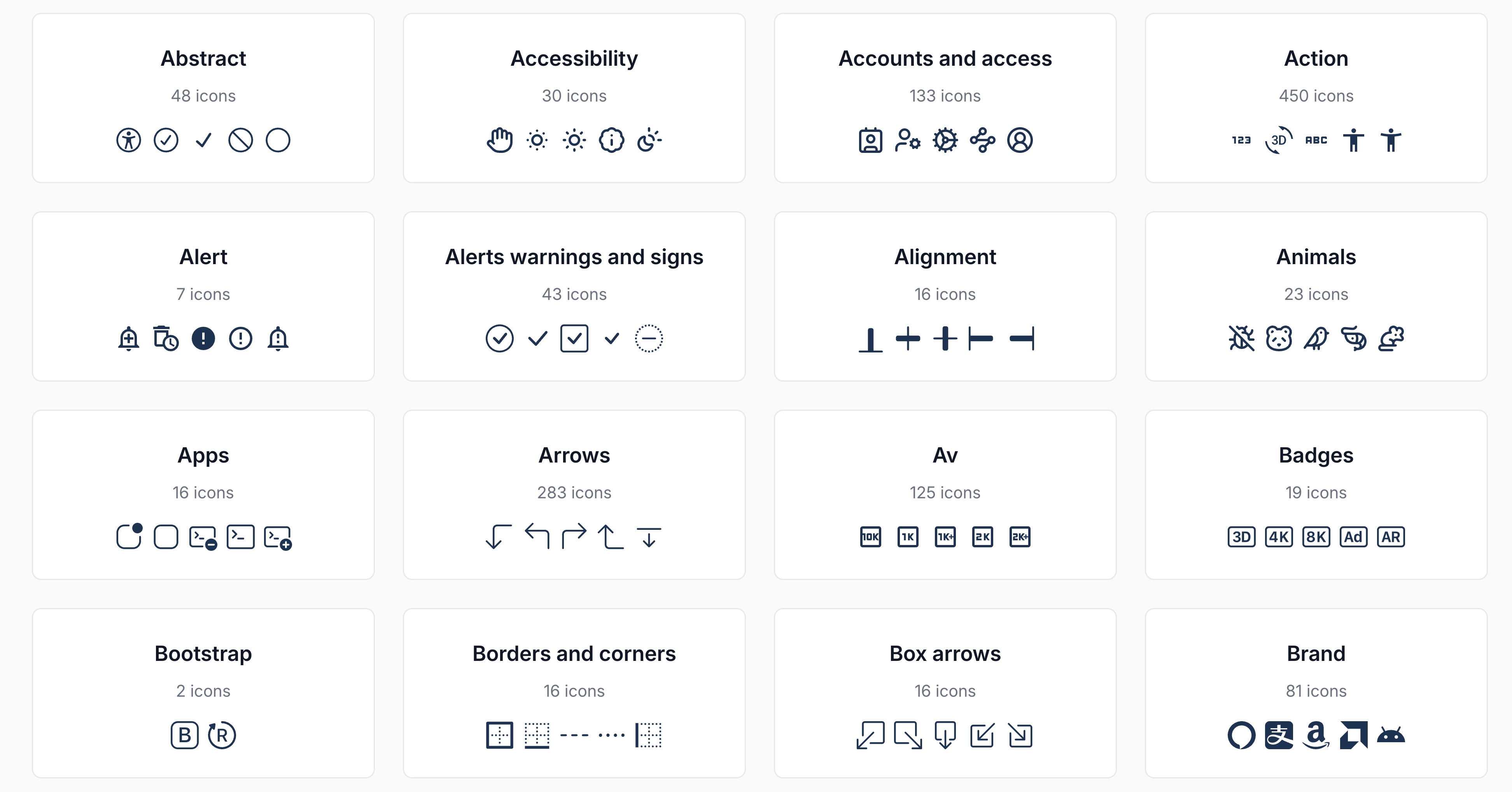
1) Browse the available icon libraries 2) Browse the icon categories 3) Find via search
Adding icon libraries as dependencies to your project without a performance hit
Each icon library also comes as multiple Gradle dependencies which you can add to your projects.
You can find the Gradle dependencies on the Github repo.
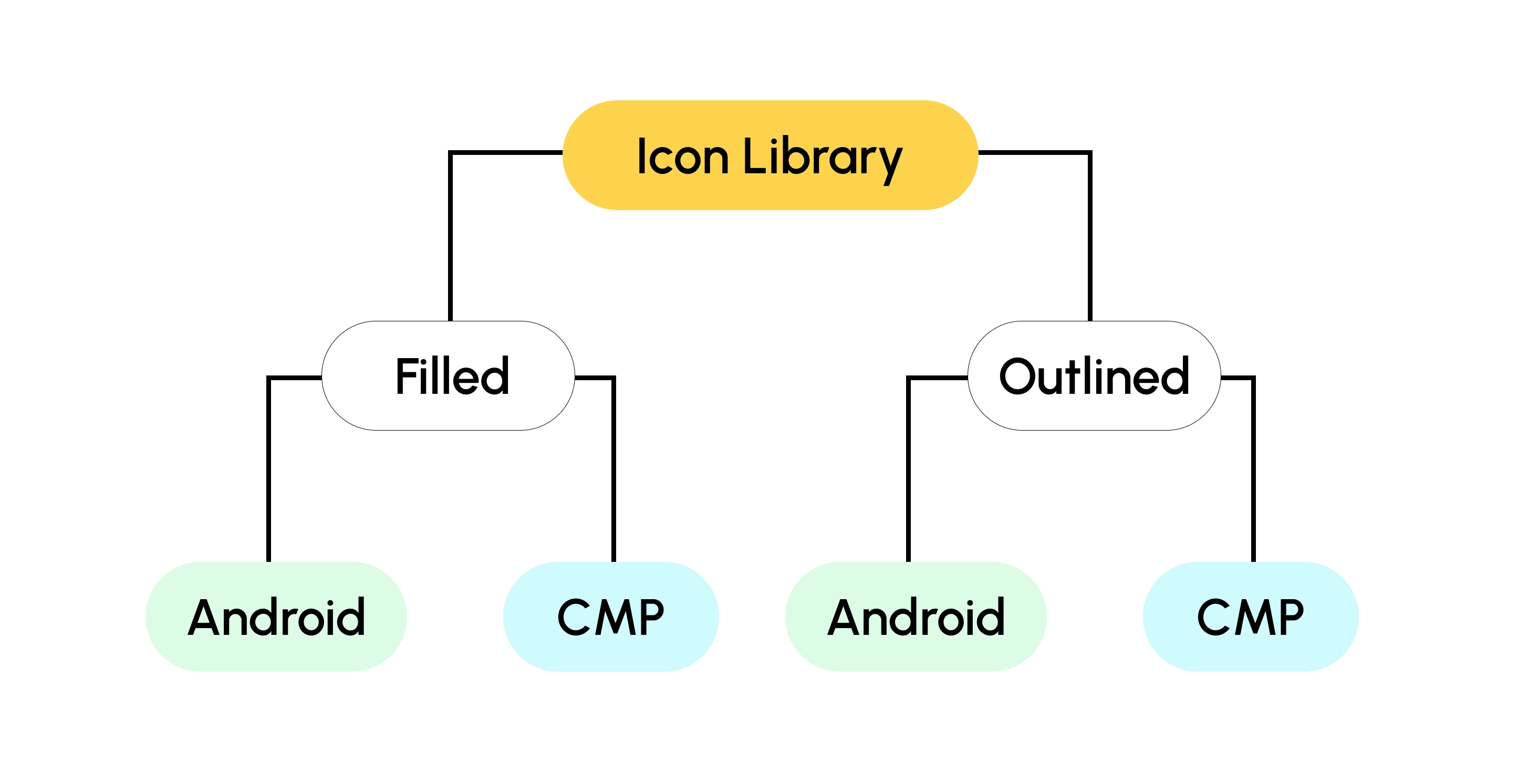
Instead of bundling every single icon in a single library, I decided to split the libraries per style:
The reason for this split is that some libraries are huge. The Material Icons library alone contains over 2,000 icons. Multiply this by 5 styles. You already have 10,000 Kotlin files added to your build.
This can significantly affect your build setup. This is the reason why Google decided to discontinue the original Material Icons library.
I have been personally using a library with a single style (Lucide – 1.6k icons) in my Compose Multiplatform apps for months now. I haven't noticed any performance hits while using the JVM target.
Every library also comes in two variants: Android and Compose Multiplatform.
The Android variant bundles icons as Android Vector Drawables (XML) which you can access via the R.drawable class. The CMP variant adds icons as Compose Image Vectors, as extension to the respective object (i.e. Lucide.Icon).
This is more for a preference perspective, than performance. Android Studio gives you XML previews out of the box in the autocomplete, while the Image Vectors don't.
SVG to Compose got a big update
Behind the scenes, all icons are converted from SVG to Android XML and Compose Image Vectors using a small Kotlin script.
The same script powers the SVG to Compose tool you can find on the website.
After having converted more than 17,000+ icons from different icon libraries, I happened to fix a lot of little bugs in the converter too. If you had any issues converting your SVGs, go ahead and give it another go.
Give it a go
Head over to the Icons section of the site and find that perfect icon for your apps.
Would love to know what you end up building using them.
Happy coding,
