
Source set: Common
public class Shapes(
    /**
     * Shape used by small components like [Button] or [Snackbar]. Components like
     * [FloatingActionButton], [ExtendedFloatingActionButton] use this shape, but override the
     * corner size to be 50%. [TextField] uses this shape with overriding the bottom corners to
     * zero.
     */
    public val small: CornerBasedShape = RoundedCornerShape(4.dp),
    /** Shape used by medium components like [Card] or [AlertDialog]. */
    public val medium: CornerBasedShape = RoundedCornerShape(4.dp),
    /** Shape used by large components like [ModalDrawer] or [ModalBottomSheetLayout]. */
    public val large: CornerBasedShape = RoundedCornerShape(0.dp),
)
Material surfaces can be displayed in different shapes. Shapes direct attention, identify components, communicate state, and express brand.
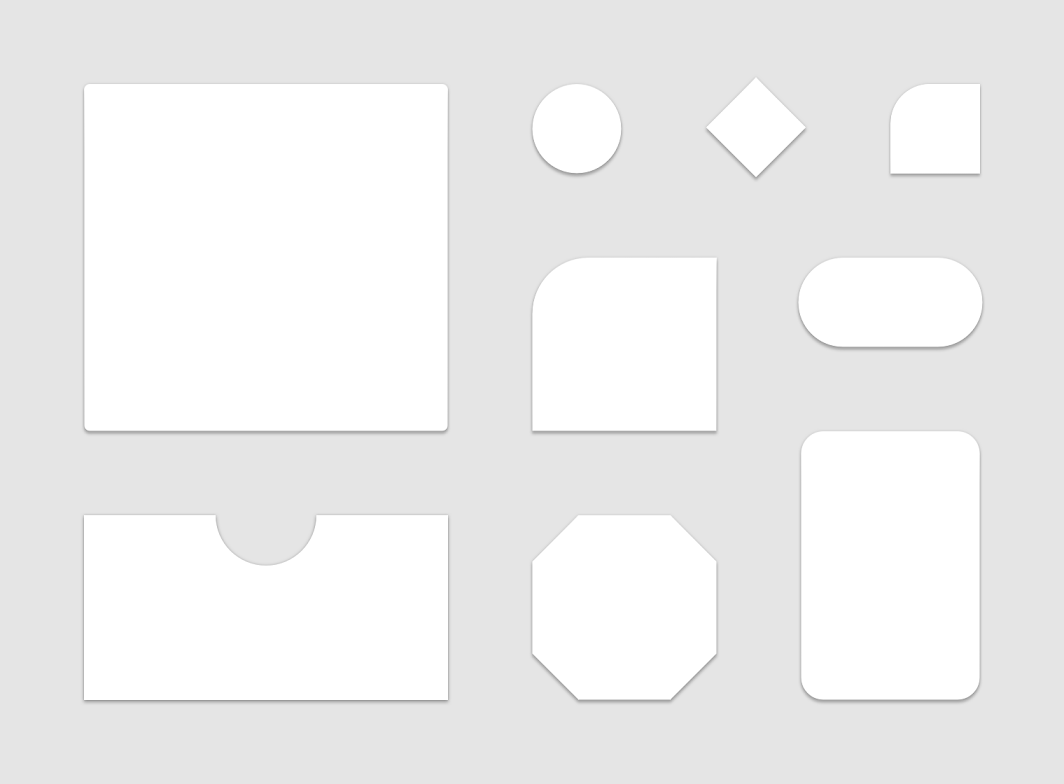
Components are grouped into shape categories based on their size. These categories provide a way to change multiple component values at once, by changing the category’s values. Shape categories include:
- Small components
- Medium components
- Large components
See Material shape specification
Functions
copy
Source set: Common
public fun copy(
        small: CornerBasedShape = this.small,
        medium: CornerBasedShape = this.medium,
        large: CornerBasedShape = this.large,
    ): Shapes
Returns a copy of this Shapes, optionally overriding some of the values.
equals
Source set: Common
override fun equals(other: Any?): BooleanhashCode
Source set: Common
override fun hashCode(): InttoString
Source set: Common
override fun toString(): String