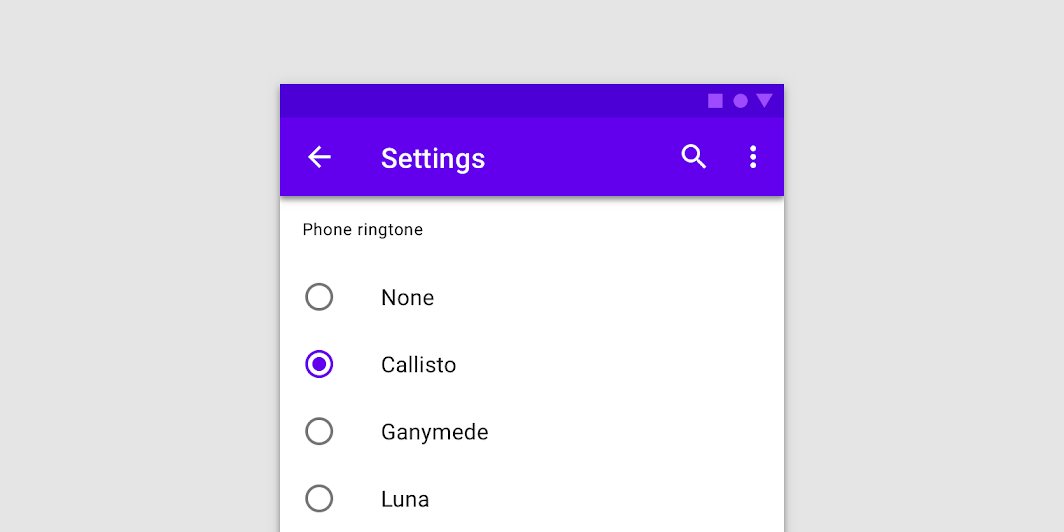
Material Design radio button Radio buttons allow users to select one option from a set.
@Sampled
@Composable
fun RadioButtonSample() {
    // We have two radio buttons and only one can be selected
    var state by remember { mutableStateOf(true) }
    // Note that Modifier.selectableGroup() is essential to ensure correct accessibility behavior
    Row(Modifier.selectableGroup()) {
        RadioButton(selected = state, onClick = { state = true })
        RadioButton(selected = !state, onClick = { state = false })
    }
}
RadioGroupSample
@Sampled
@Composable
fun RadioGroupSample() {
    val radioOptions = listOf("Calls", "Missed", "Friends")
    val (selectedOption, onOptionSelected) = remember { mutableStateOf(radioOptions[0]) }
    // Note that Modifier.selectableGroup() is essential to ensure correct accessibility behavior
    Column(Modifier.selectableGroup()) {
        radioOptions.forEach { text ->
            Row(
                Modifier.fillMaxWidth()
                    .height(56.dp)
                    .selectable(
                        selected = (text == selectedOption),
                        onClick = { onOptionSelected(text) },
                        role = Role.RadioButton,
                    )
                    .padding(horizontal = 16.dp),
                verticalAlignment = Alignment.CenterVertically,
            ) {
                RadioButton(
                    selected = (text == selectedOption),
                    onClick = null, // null recommended for accessibility with screenreaders
                )
                Text(
                    text = text,
                    style = MaterialTheme.typography.body1.merge(),
                    modifier = Modifier.padding(start = 16.dp),
                )
            }
        }
    }
}