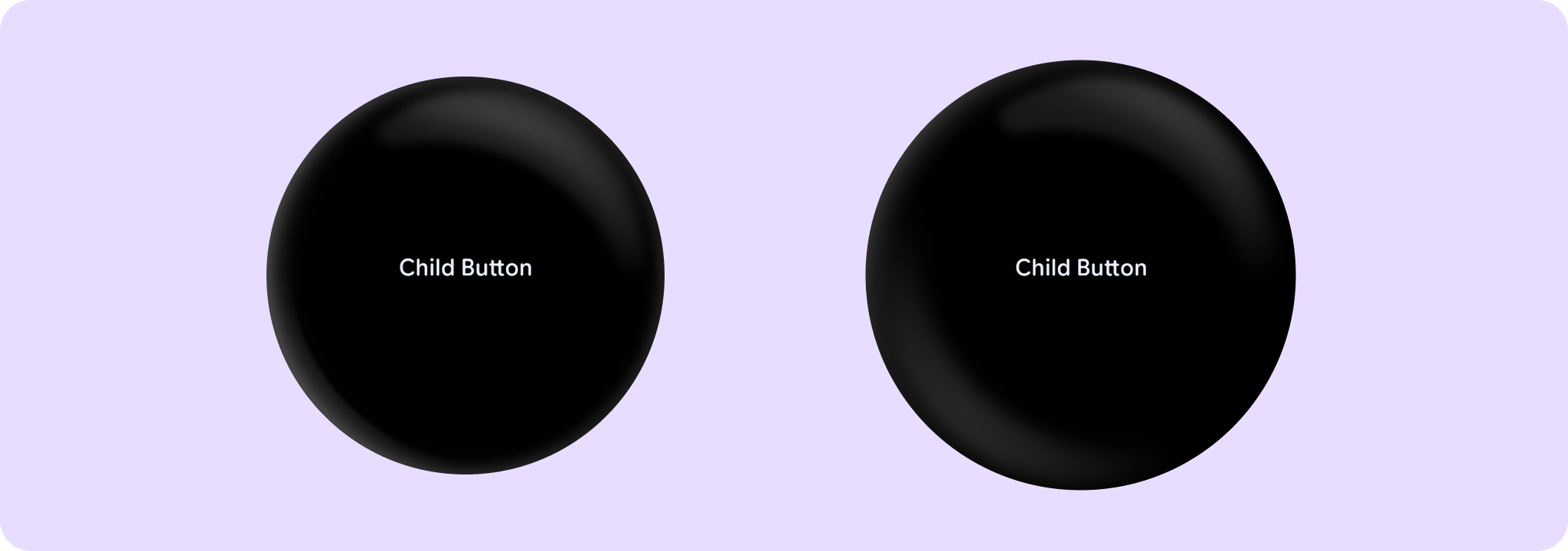

ChildButton
Source set: Android
@Composable
public fun ChildButton(
    onClick: () -> Unit,
    modifier: Modifier = Modifier,
    onLongClick: (() -> Unit)? = null,
    onLongClickLabel: String? = null,
    enabled: Boolean = true,
    shape: Shape = ButtonDefaults.shape,
    colors: ButtonColors = ButtonDefaults.childButtonColors(),
    border: BorderStroke? = null,
    contentPadding: PaddingValues = ButtonDefaults.ContentPadding,
    interactionSource: MutableInteractionSource? = null,
    transformation: SurfaceTransformation? = null,
    content: @Composable RowScope.() -> Unit,
): Unit
Parameters
| onClick | Will be called when the user clicks the button |
| modifier | Modifier to be applied to the button |
| onLongClick | Called when this button is long clicked (long-pressed). When this callback is set, onLongClickLabel should be set as well. |
| onLongClickLabel | Semantic / accessibility label for the onLongClick action. |
| enabled | Controls the enabled state of the button. When false, this button will not be clickable |
| shape | Defines the button's shape. It is strongly recommended to use the default as this shape is a key characteristic of the Wear Material3 Theme |
| colors | ButtonColors that will be used to resolve the background and content color for this button in different states. See ButtonDefaults.childButtonColors. |
| border | Optional BorderStroke that will be used to resolve the border for this button in different states. |
| contentPadding | The spacing values to apply internally between the container and the content |
| interactionSource | an optional hoisted MutableInteractionSource for observing and emitting Interactions for this button. You can use this to change the button's appearance or preview the button in different states. Note that if null is provided, interactions will still happen internally. |
| transformation | Transformation to be used when button appears inside a container that needs to dynamically change its content separately from the background. |
| content | Slot for composable body content displayed on the ChildButton |
ChildButton
Source set: Android
@Composable
public fun ChildButton(
    onClick: () -> Unit,
    modifier: Modifier = Modifier,
    onLongClick: (() -> Unit)? = null,
    onLongClickLabel: String? = null,
    secondaryLabel: (@Composable RowScope.() -> Unit)? = null,
    icon: (@Composable BoxScope.() -> Unit)? = null,
    enabled: Boolean = true,
    shape: Shape = ButtonDefaults.shape,
    colors: ButtonColors = ButtonDefaults.childButtonColors(),
    border: BorderStroke? = null,
    contentPadding: PaddingValues = ButtonDefaults.ContentPadding,
    interactionSource: MutableInteractionSource? = null,
    transformation: SurfaceTransformation? = null,
    label: @Composable RowScope.() -> Unit,
)
Parameters
| onClick | Will be called when the user clicks the button |
| modifier | Modifier to be applied to the button |
| onLongClick | Called when this button is long clicked (long-pressed). When this callback is set, onLongClickLabel should be set as well. |
| onLongClickLabel | Semantic / accessibility label for the onLongClick action. |
| secondaryLabel | A slot for providing the button's secondary label. By default, ChildButton applies Material3 UX guidelines, so that Text will be start aligned, with ellipsis for overflow and maximum 2 lines (although this can be overridden by setting those parameters explicitly on Text). label and secondaryLabel contents should be consistently aligned. |
| icon | A slot for providing the button's icon. The contents are expected to be a horizontally and vertically center-aligned icon of size ButtonDefaults.IconSize or ButtonDefaults.LargeIconSize. |
| enabled | Controls the enabled state of the button. When false, this button will not be clickable |
| shape | Defines the button's shape. It is strongly recommended to use the default as this shape is a key characteristic of the Wear Material3 Theme |
| colors | ButtonColors that will be used to resolve the background and content color for this button in different states. See ButtonDefaults.childButtonColors. |
| border | Optional BorderStroke that will be used to resolve the button border in different states. |
| contentPadding | The spacing values to apply internally between the container and the content |
| interactionSource | an optional hoisted MutableInteractionSource for observing and emitting Interactions for this button. You can use this to change the button's appearance or preview the button in different states. Note that if null is provided, interactions will still happen internally. |
| transformation | Transformation to be used when button appears inside a container that needs to dynamically change its content separately from the background. |
| label | A slot for providing the button's main label. By default, ChildButton applies Material3 UX guidelines, so that Text will be start aligned if there is an icon or secondaryLabel present and center aligned if not, with ellipsis for overflow and maximum 3 lines (although this can be overridden by setting those parameters explicitly on Text). |
