
public object CompactButtonDefaultsContains the default values used by CompactButton
Properties
shape
public val shape: RoundedCornerShapeRecommended RoundedCornerShape for CompactButton.
HorizontalPadding
public val HorizontalPadding: Dp = 12.dpRecommended horizontal content padding for CompactButton
VerticalPadding
public val VerticalPadding: Dp = 0.dpRecommended vertical content padding for CompactButton
ContentPadding
public val ContentPadding: PaddingValues =
        PaddingValues(
            start = HorizontalPadding,
            top = VerticalPadding,
            end = HorizontalPadding,
            bottom = VerticalPadding,
        )
The default content padding used by CompactButton
minimumVerticalListContentPadding
public val minimumVerticalListContentPadding: DpThe minimum vertical content padding for the list when a CompactButton is placed at the top or bottom edge. Recommended for use with androidx.wear.compose.foundation.lazy.TransformingLazyColumnItemScope's androidx.wear.compose.foundation.lazy.TransformingLazyColumnItemScope.minimumVerticalContentPadding, which allows items to choose a preferred content padding for the list. TransformingLazyColumn takes its contentPadding as the maximum of the preferred content padding values and its own contentPadding parameter.
Height
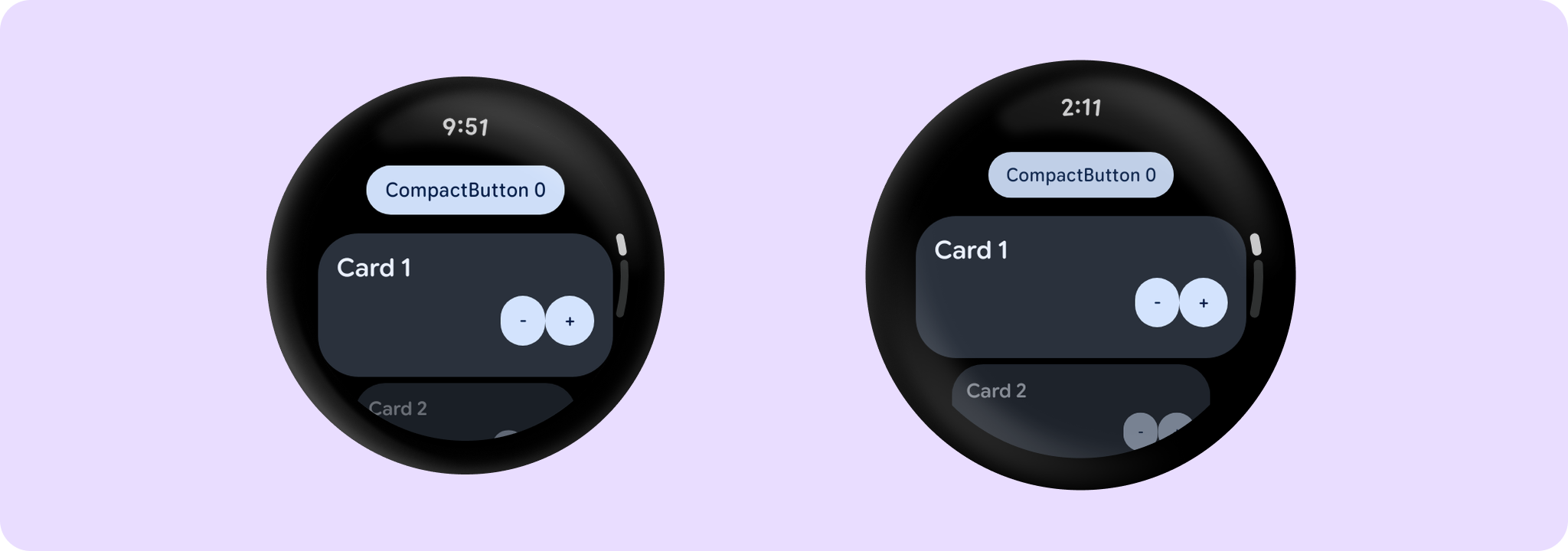
public val Height: Dp = CompactButtonTokens.ContainerHeightThe height applied for the CompactButton. This includes a visible button height of 32.dp and 8.dp of padding above and below the button in order to meet accessibility guidelines that request a minimum of 48.dp height and width of tappable area.
Note that you can override it by adjusting Modifier.height and Modifier.padding directly on CompactButton.
TapTargetPadding
public val TapTargetPadding: PaddingValues = PaddingValues(top = 8.dp, bottom = 8.dp)The default padding to be provided around a CompactButton in order to ensure that its tappable area meets minimum UX guidance.
ExtraSmallIconSize
public val ExtraSmallIconSize: Dp = CompactButtonTokens.IconSizeThe recommended icon size when used in CompactButtons containing both icon and text.
SmallIconSize
public val SmallIconSize: Dp = CompactButtonTokens.IconOnlyIconSizeThe recommended icon size when used in CompactButtons containing icon-only content.
Functions
Content
@Composable
    public fun Content(
        modifier: Modifier = Modifier,
        icon: (@Composable BoxScope.() -> Unit)? = null,
        enabled: Boolean = true,
        colors: ButtonColors = ButtonDefaults.buttonColors(),
        label: (@Composable RowScope.() -> Unit)? = null,
    )
Lays out the content of a CompactButton with support for an icon and a label.
While the standard CompactButton overloads provide this layout out-of-the-box, CompactButtonDefaults.Content can be used inside the CompactButton overload that takes a generic content to build custom button layouts (for example, to wrap the content in a gesture hint indicator like OneHandedGestureIndicator) while maintaining standard typography, colors, and spacing.
Both the icon and label are optional however it is expected that at least one will be provided.
Example of a CompactButtonDefaults.Content layout with OneHandedGestureIndicator:
Parameters
| modifier | Modifier to be applied to the compact button content layout. |
| icon | A slot for providing the button's icon. The contents are expected to be a horizontally and vertically center-aligned icon of size CompactButtonDefaults.ExtraSmallIconSize when used with a label or CompactButtonDefaults.SmallIconSize when used as the only content in the button. |
| enabled | Controls the enabled state of the button. When false, this button will not be clickable. |
| colors | ButtonColors that will be used to resolve the background and content color for this button in different states. See ButtonDefaults.buttonColors. |
| label | A slot for providing the button's main label. By default, CompactButtonDefaults.Content applies Material3 UX guidelines, so that Text will be start aligned if there is an icon present and center aligned if not, with ellipsis for overflow and maximum 1 line (although this can be overridden by setting those parameters explicitly on Text). |
