
public interface SurfaceTransformationObject to be used to apply different transformation to the content and the container (i.e. the background) of the composable.
This interface allows you to customize the appearance of a surface by modifying the container painter and applying visual transformations to the content. In this context, a surface is a container composable that displays content (which could use other Composables such as Icon, Text or Button) as well as a background typically drawn using a painter. This is useful for creating custom effects like scaling, rotation, or applying shaders.
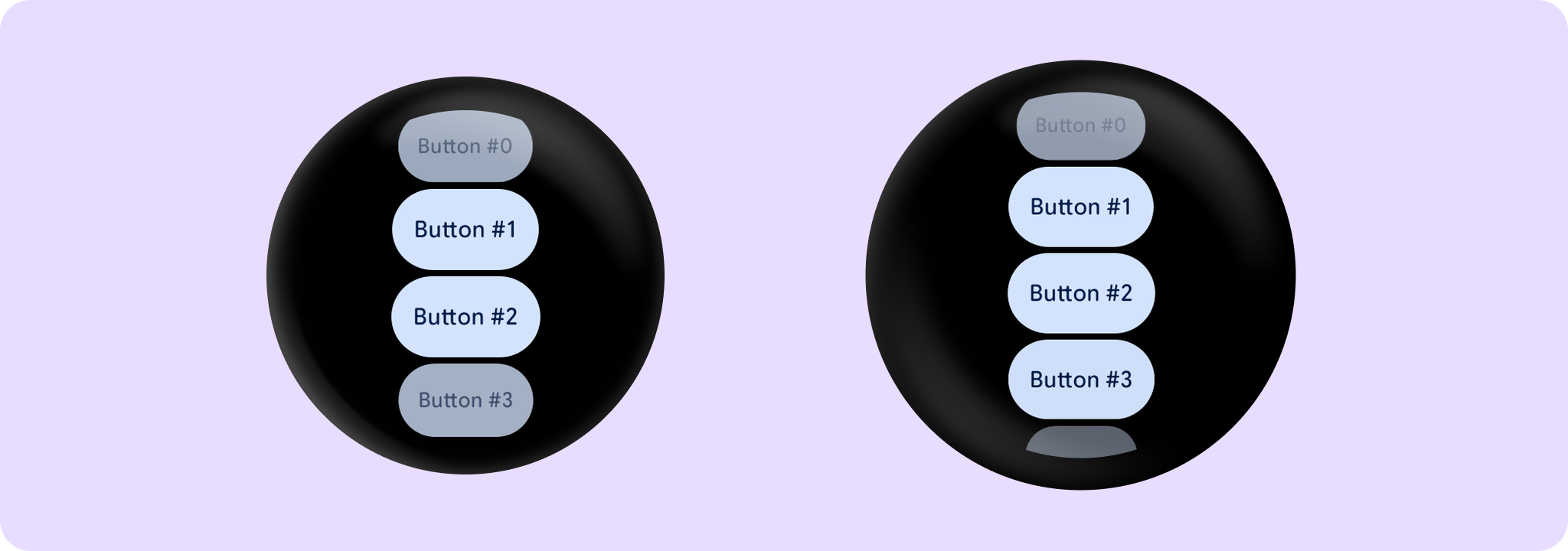
Example usage with the Button:
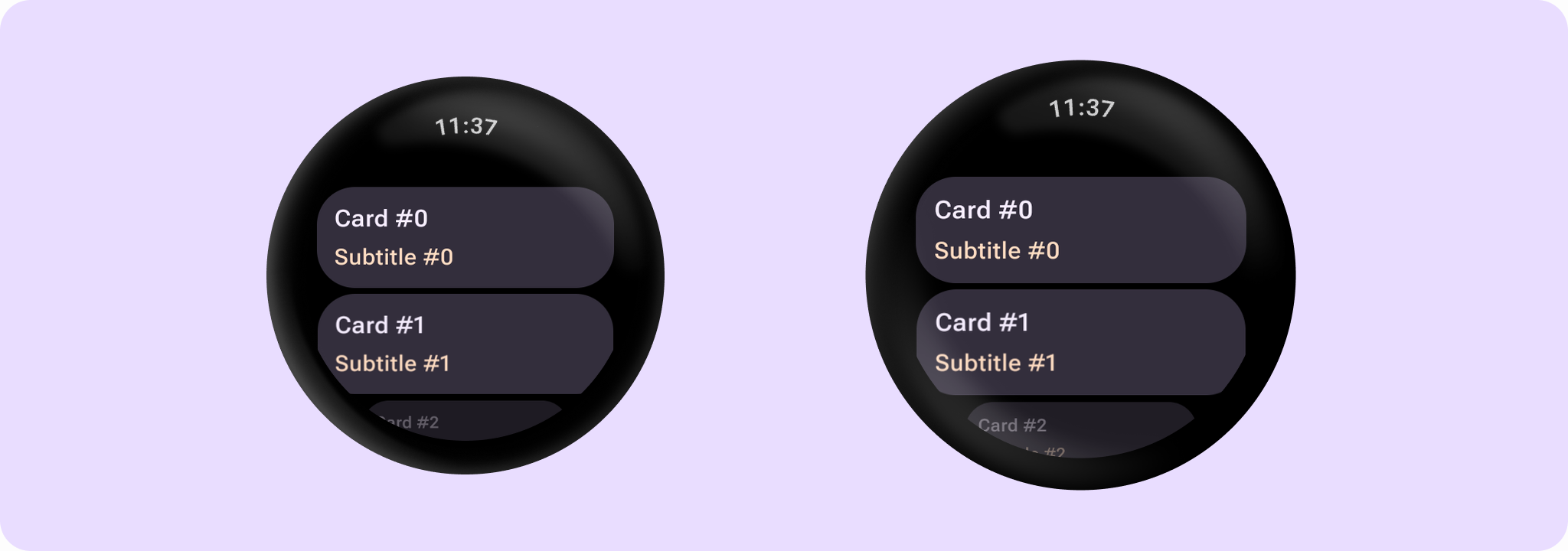
Example usage with the Card:
Example of adding support in a custom component:
Functions
createContainerPainter
public fun createContainerPainter(
        painter: Painter,
        shape: Shape,
        border: BorderStroke? = null,
    ): Painter
Returns a new painter to be used instead of painter which should react on a transformation.
This allows the transformation to modify the container painter based on properties like the shape or border. For example, a transformation might apply a gradient that follows the shape of the surface.
Parameters
| painter | The original painter. |
| shape | The shape of the content to be used for clipping. |
| border | The border to be applied to the container. |
applyContainerTransformation
public fun GraphicsLayerScope.applyContainerTransformation()Visual transformations to be applied to the container of the item.
This function is called within a GraphicsLayerScope, allowing you to use properties like scaleX, scaleY, rotationZ, alpha, and others to transform the content.
applyContentTransformation
public fun GraphicsLayerScope.applyContentTransformation()Visual transformations to be applied to the content of the item.
This function is called within a GraphicsLayerScope, allowing you to use properties like scaleX, scaleY, rotationZ, alpha, and others to transform the content.
