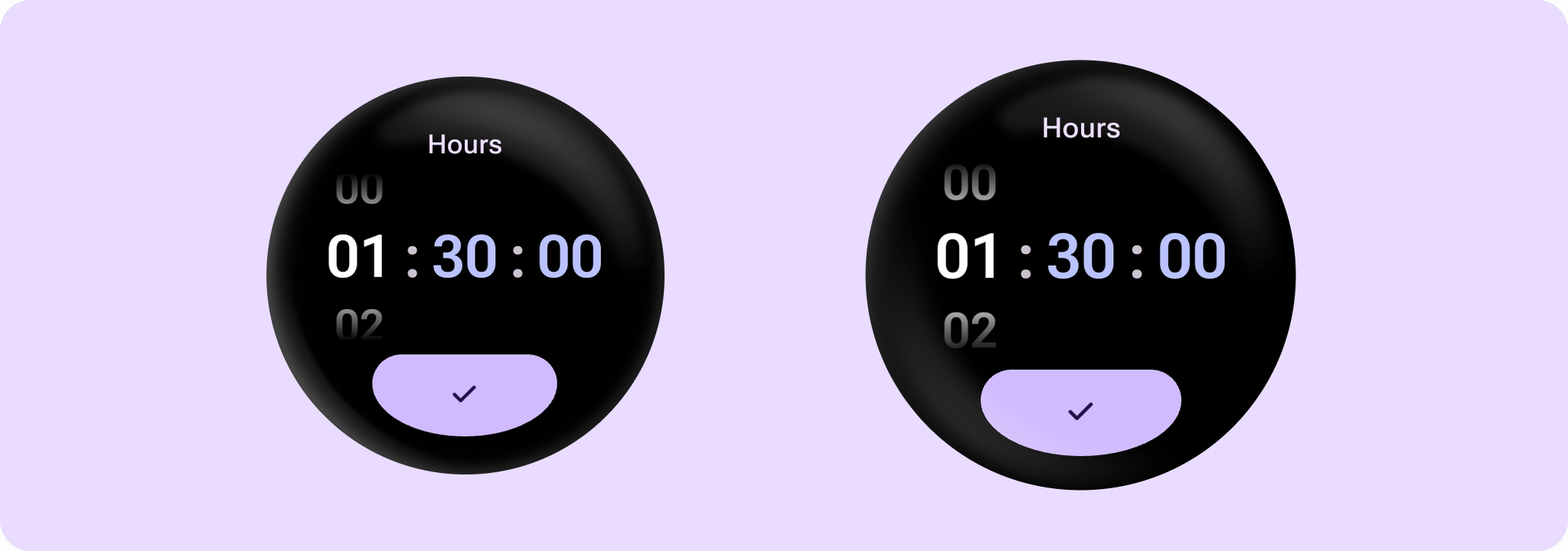


DurationPicker
Source set: Android
@Composable
public fun DurationPicker(
    initialDuration: Duration,
    onDurationPicked: (Duration) -> Unit,
    modifier: Modifier = Modifier,
    minValidDuration: Duration? = null,
    maxValidDuration: Duration? = null,
    durationPickerType: DurationPickerType = DurationPickerDefaults.type,
    initialSelection: DurationPickerSelection =
        DurationPickerDefaults.initialSelection(durationPickerType),
    colors: DurationPickerColors = DurationPickerDefaults.colors(),
)
Parameters
| initialDuration | The initial duration to be displayed in the DurationPicker. Must be non-negative and not exceed the limit for durationPickerType. Changing initialDuration after the first composition does not reset the picker. Changing minValidDuration, maxValidDuration or durationPickerType resets the picker to initialDuration and initialSelection. |
| onDurationPicked | The callback that is called when the user confirms the duration selection. It provides the selected duration as Duration. Any units not displayed in the picker (e.g. seconds for DurationPickerType.HoursMinutes) will be 0 in the returned Duration. |
| modifier | Modifier to be applied to the Box containing the UI elements. |
| minValidDuration | The minimum valid duration that can be confirmed. Must be non-negative and not exceed maxValidDuration. See DurationPickerType for default values. |
| maxValidDuration | The maximum valid duration that can be confirmed. Must be non-negative and not exceed the limit for durationPickerType. When null, the default is the max(minValidDuration, durationPickerType's default maximum), up to the durationPickerType's limit. See DurationPickerType for default values. |
| durationPickerType | The different DurationPickerType supported by this duration picker. |
| initialSelection | The initial component to be selected. If initialSelection is a column that is not shown for the given durationPickerType (for example, DurationPickerSelection.Seconds with DurationPickerType.HoursMinutes), the first column is selected instead. If initialSelection is the confirm button but the displayed duration is invalid, the confirm button is disabled, so the first column is selected instead. When touch exploration services (such as TalkBack) are enabled, no component is selected initially. |
| colors | DurationPickerColors to be applied to the DurationPicker. |
