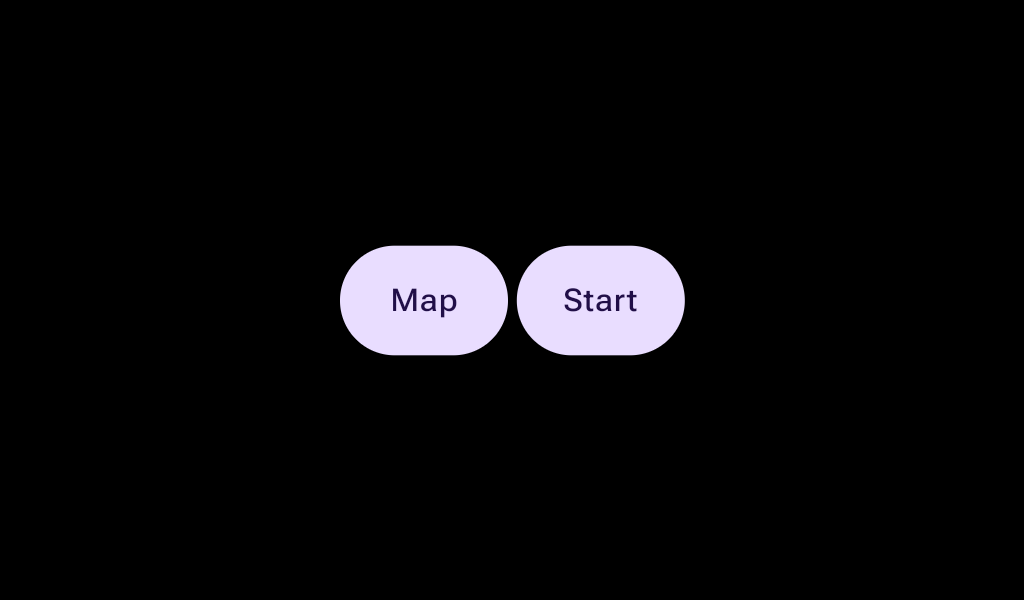
Layout component to implement an expressive group of buttons in a row, that react to touch by growing the touched button, (while the neighbor(s) shrink to accommodate and keep the group width constant).
@Sampled
@Composable
fun ButtonGroupSample() {
    val interactionSource1 = remember { MutableInteractionSource() }
    val interactionSource2 = remember { MutableInteractionSource() }

    Box(contentAlignment = Alignment.Center) {
        ButtonGroup(Modifier.fillMaxWidth()) {
            Button(
                onClick = {},
                modifier = Modifier.animateWidth(interactionSource1),
                interactionSource = interactionSource1,
            ) {
                Box(Modifier.fillMaxWidth(), contentAlignment = Alignment.Center) { Text("L") }
            }
            Button(
                onClick = {},
                modifier = Modifier.animateWidth(interactionSource2),
                interactionSource = interactionSource2,
            ) {
                Box(Modifier.fillMaxWidth(), contentAlignment = Alignment.Center) { Text("R") }
            }
        }
    }
}
@Sampled
@Composable
fun ButtonGroupThreeButtonsSample() {
    val interactionSource1 = remember { MutableInteractionSource() }
    val interactionSource2 = remember { MutableInteractionSource() }
    val interactionSource3 = remember { MutableInteractionSource() }

    Box(contentAlignment = Alignment.Center) {
        ButtonGroup(Modifier.fillMaxWidth()) {
            Button(
                onClick = {},
                modifier = Modifier.animateWidth(interactionSource1),
                interactionSource = interactionSource1,
            ) {
                Box(Modifier.fillMaxWidth(), contentAlignment = Alignment.Center) { Text("A") }
            }
            Button(
                onClick = {},
                modifier = Modifier.weight(1.5f).animateWidth(interactionSource2),
                interactionSource = interactionSource2,
            ) {
                Box(Modifier.fillMaxWidth(), contentAlignment = Alignment.Center) { Text("B") }
            }
            Button(
                onClick = {},
                modifier = Modifier.animateWidth(interactionSource3),
                interactionSource = interactionSource3,
            ) {
                Box(Modifier.fillMaxWidth(), contentAlignment = Alignment.Center) { Text("C") }
            }
        }
    }
}