
public object TextButtonDefaultsContains the default values used by TextButton.
Properties
shape
public val shape: RoundedCornerShapeRecommended Shape for TextButton.
pressedShape
public val pressedShape: CornerBasedShapeRecommended pressed Shape for TextButton.
minimumVerticalListContentPadding
public val minimumVerticalListContentPadding: DpThe minimum vertical content padding for the list when a TextButton is placed at the top or bottom edge. Recommended for use with androidx.wear.compose.foundation.lazy.TransformingLazyColumnItemScope's androidx.wear.compose.foundation.lazy.TransformingLazyColumnItemScope.minimumVerticalContentPadding, which allows items to choose a preferred content padding for the list. TransformingLazyColumn takes its contentPadding as the maximum of the preferred content padding values and its own contentPadding parameter.
SmallButtonSize
public val SmallButtonSize: Dp = TextButtonTokens.ContainerSmallSizeThe recommended size for a small button. It is recommended to apply this size using Modifier.touchTargetAwareSize.
DefaultButtonSize
public val DefaultButtonSize: Dp = TextButtonTokens.ContainerDefaultSizeThe default size applied for buttons. It is recommended to apply this size using Modifier.touchTargetAwareSize.
LargeButtonSize
public val LargeButtonSize: Dp = TextButtonTokens.ContainerLargeSizeThe recommended size for a large button. It is recommended to apply this size using Modifier.touchTargetAwareSize.
smallButtonTextStyle
public val smallButtonTextStyle: TextStyleThe recommended text style for a small button.
defaultButtonTextStyle
public val defaultButtonTextStyle: TextStyleThe default text style applied for buttons.
largeButtonTextStyle
public val largeButtonTextStyle: TextStyleThe recommended text style for a large button.
Functions
shapes
@Composable public fun shapes(): TextButtonShapesReturns the default TextButtonShapes for a static TextButton.
shapes
@Composable
    public fun shapes(shape: Shape): TextButtonShapes
Returns a TextButtonShapes for a static TextButton.
Parameters
| shape | The normal shape of the TextButton. |
animatedShapes
@Composable
    public fun animatedShapes(): TextButtonShapes
Returns the default TextButtonShapes for a TextButton with an animation between two CornerBasedShapes when pressed.
Example of a simple text button using the default colors, animated when pressed:
animatedShapes
@Composable
    public fun animatedShapes(
        shape: CornerBasedShape? = null,
        pressedShape: CornerBasedShape? = null,
    ): TextButtonShapes
Returns a TextButtonShapes with an animation between two CornerBasedShapes when pressed.
Example of a simple text button using the default colors, animated when pressed:
Parameters
| shape | The normal shape of the TextButton - if null, the default TextButtonDefaults.shape is used. |
| pressedShape | The pressed shape of the TextButton - if null, the default TextButtonDefaults.pressedShape is used. |
filledTextButtonColors
@Composable
    public fun filledTextButtonColors(): TextButtonColors
Returns a TextButtonColors with the colors for a filled TextButton- by default, a colored background with a contrasting content color. If the text button is disabled then the colors will default to ColorScheme.onSurface with suitable alpha values applied.
filledTextButtonColors
@Composable
    public fun filledTextButtonColors(
        containerColor: Color = Color.Unspecified,
        contentColor: Color = Color.Unspecified,
        disabledContainerColor: Color = Color.Unspecified,
        disabledContentColor: Color = Color.Unspecified,
    ): TextButtonColors
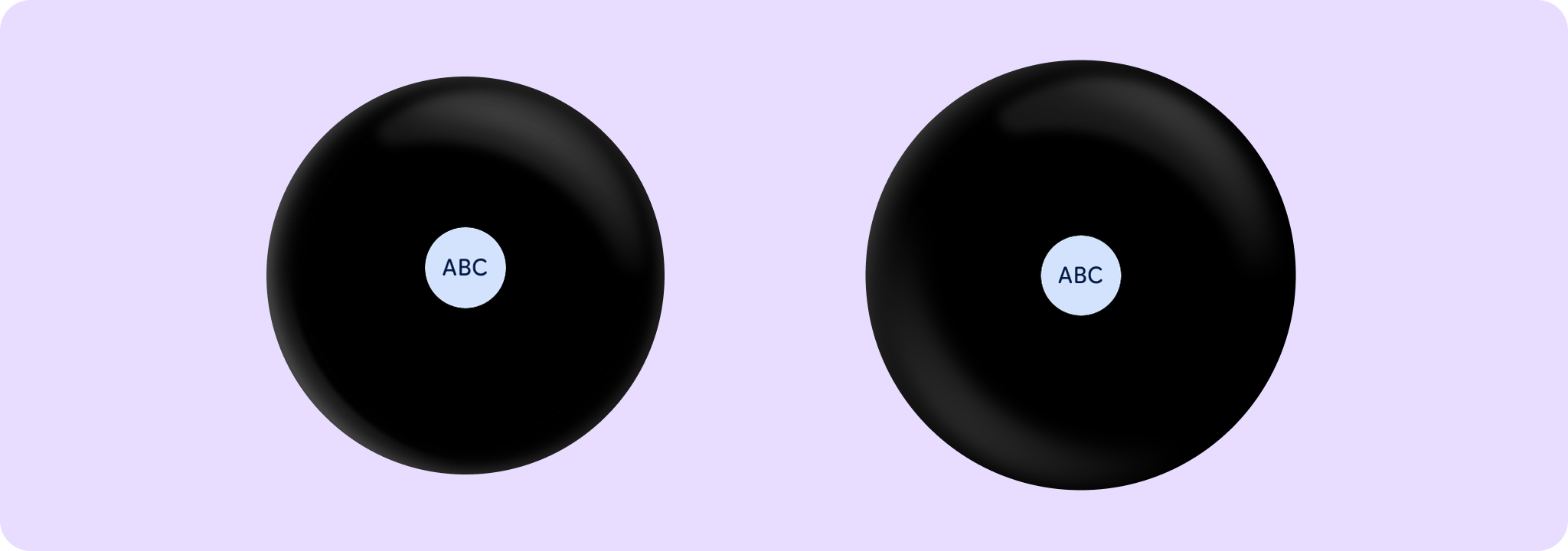
Returns a TextButtonColors with the colors for a filled TextButton- by default, a colored background with a contrasting content color. If the text button is disabled then the colors will default to ColorScheme.onSurface with suitable alpha values applied.
Example of TextButton with filledTextButtonColors:
Parameters
| containerColor | The background color of this text button when enabled |
| contentColor | The content color of this text button when enabled |
| disabledContainerColor | the background color of this text button when not enabled |
| disabledContentColor | the content color of this text button when not enabled |
filledVariantTextButtonColors
@Composable
    public fun filledVariantTextButtonColors(): TextButtonColors
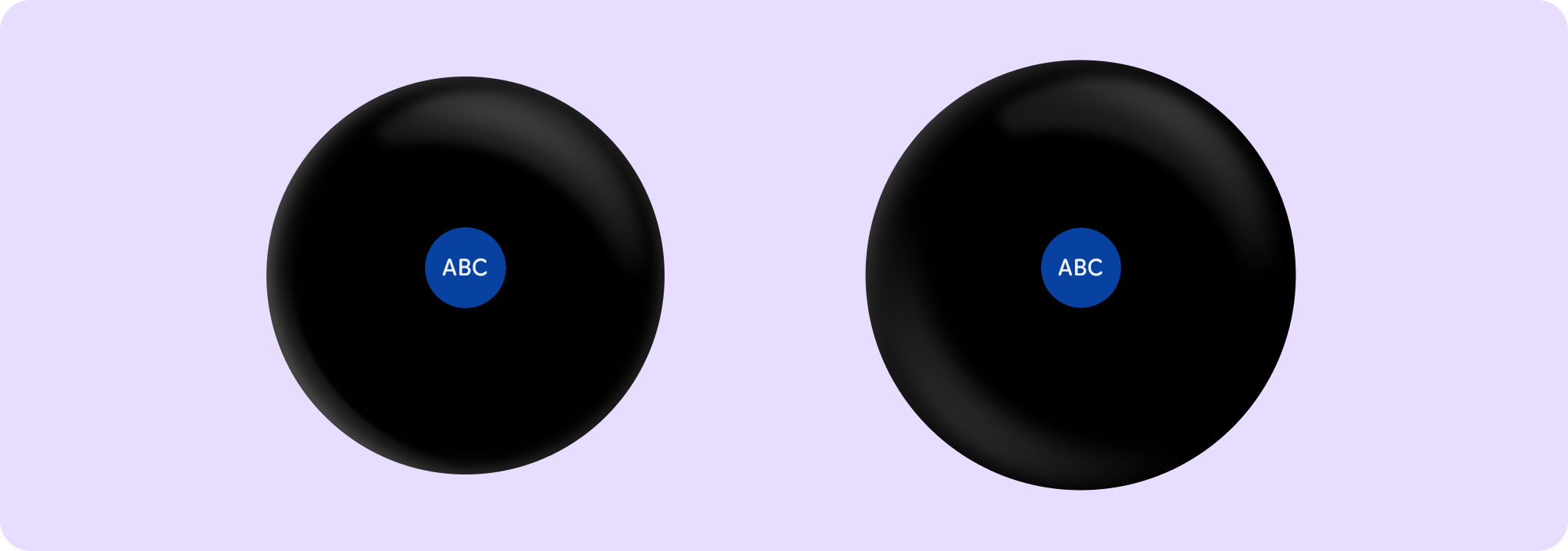
Returns a TextButtonColors as an alternative to the filledTonal TextButtonColors, giving a surface with more chroma to indicate selected or highlighted states that are not primary calls-to-action. If the text button is disabled then the colors will default to the MaterialTheme onSurface color with suitable alpha values applied.
Example of creating a TextButton with filledVariantTextButtonColors:
filledVariantTextButtonColors
@Composable
    public fun filledVariantTextButtonColors(
        containerColor: Color = Color.Unspecified,
        contentColor: Color = Color.Unspecified,
        disabledContainerColor: Color = Color.Unspecified,
        disabledContentColor: Color = Color.Unspecified,
    ): TextButtonColors
Returns a TextButtonColors as an alternative to the filledTonal TextButtonColors, giving a surface with more chroma to indicate selected or highlighted states that are not primary calls-to-action. If the text button is disabled then the colors will default to the MaterialTheme onSurface color with suitable alpha values applied.
Example of creating a TextButton with filledVariantTextButtonColors:
Parameters
| containerColor | The background color of this text button when enabled |
| contentColor | The content color of this text button when enabled |
| disabledContainerColor | the background color of this text button when not enabled |
| disabledContentColor | the content color of this text button when not enabled |
filledTonalTextButtonColors
@Composable
    public fun filledTonalTextButtonColors(): TextButtonColors
Returns a TextButtonColors with the colors for a filled, tonal TextButton- by default, a muted colored background with a contrasting content color. If the text button is disabled then the colors will default to ColorScheme.onSurface with suitable alpha values applied.
filledTonalTextButtonColors
@Composable
    public fun filledTonalTextButtonColors(
        containerColor: Color = Color.Unspecified,
        contentColor: Color = Color.Unspecified,
        disabledContainerColor: Color = Color.Unspecified,
        disabledContentColor: Color = Color.Unspecified,
    ): TextButtonColors
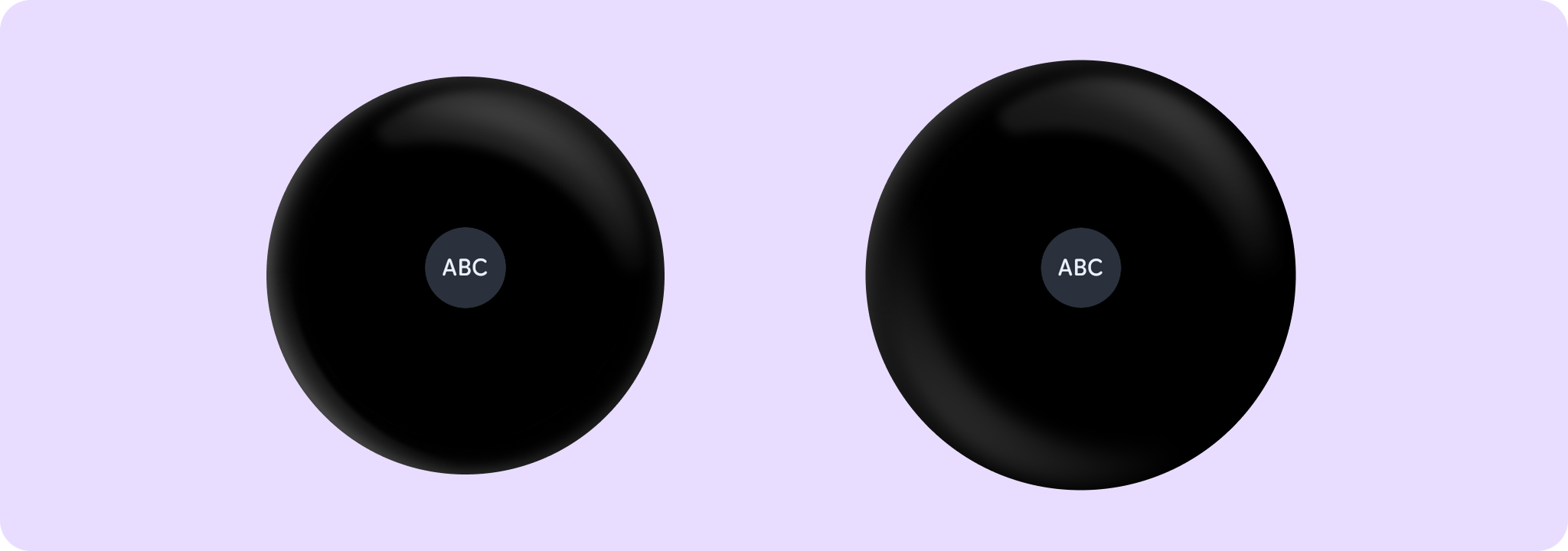
Returns a TextButtonColors with the colors for a filled, tonal TextButton- by default, a muted colored background with a contrasting content color. If the text button is disabled then the colors will default to ColorScheme.onSurface with suitable alpha values applied.
Example of TextButton with filledTonalTextButtonColors:
Parameters
| containerColor | The background color of this text button when enabled |
| contentColor | The content color of this text button when enabled |
| disabledContainerColor | the background color of this text button when not enabled |
| disabledContentColor | the content color of this text button when not enabled |
outlinedTextButtonColors
@Composable
    public fun outlinedTextButtonColors(): TextButtonColors
Returns a TextButtonColors with the colors for an outlined TextButton- by default, a transparent background with contrasting content color. If the button is disabled, then the colors will default to ColorScheme.onSurface with suitable alpha values applied.
outlinedTextButtonColors
@Composable
    public fun outlinedTextButtonColors(
        contentColor: Color = Color.Unspecified,
        disabledContentColor: Color = Color.Unspecified,
    ): TextButtonColors
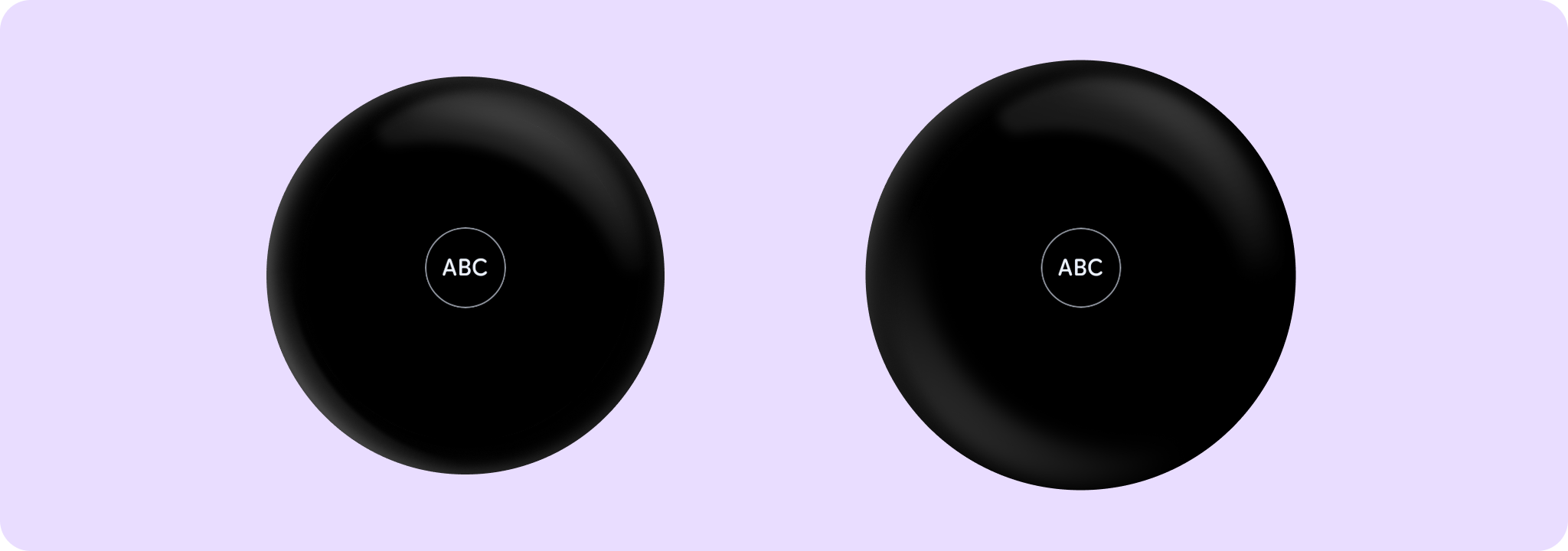
Returns a TextButtonColors with the colors for an outlined TextButton- by default, a transparent background with contrasting content color. If the button is disabled, then the colors will default to ColorScheme.onSurface with suitable alpha values applied.
Example of TextButton with outlinedTextButtonColors and ButtonDefaults.outlinedButtonBorder:
Parameters
| contentColor | The content color of this text button when enabled |
| disabledContentColor | The content color of this text button when not enabled |
textButtonColors
@Composable
    public fun textButtonColors(): TextButtonColors
Returns a TextButtonColors for a text button - by default, a transparent background with contrasting content color. If the button is disabled then the colors default to ColorScheme.onSurface with suitable alpha values applied.
textButtonColors
@Composable
    public fun textButtonColors(
        containerColor: Color = Color.Transparent,
        contentColor: Color = Color.Unspecified,
        disabledContainerColor: Color = Color.Transparent,
        disabledContentColor: Color = Color.Unspecified,
    ): TextButtonColors
Returns a TextButtonColors for a text button - by default, a transparent background with contrasting content color. If the button is disabled then the colors default to ColorScheme.onSurface with suitable alpha values applied.
Parameters
| containerColor | the background color of this text button when enabled |
| contentColor | the content color of this text button when enabled |
| disabledContainerColor | the background color of this text button when not enabled |
| disabledContentColor | the content color of this text button when not enabled |
