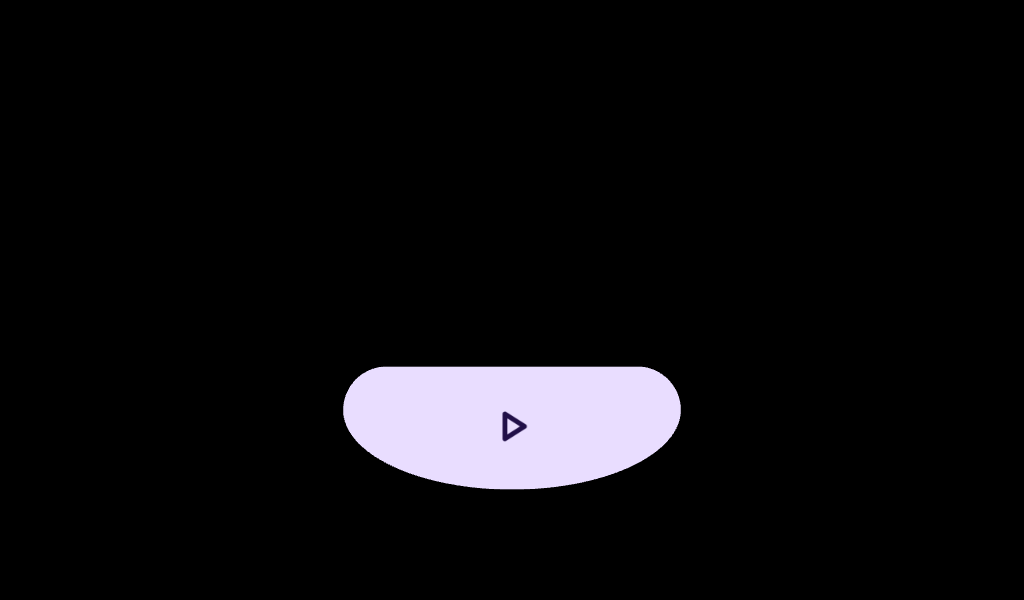
Wear Material3 EdgeButton that offers a single slot to take any content.
@Composable
fun EdgeButtonSample() {
    Column(
        Modifier.fillMaxSize().padding(horizontal = 20.dp).padding(top = 16.dp),
        horizontalAlignment = Alignment.CenterHorizontally,
    ) {
        Column(modifier = Modifier.weight(1f), verticalArrangement = Arrangement.Center) {
            Text(
                "EdgeButton hugs the bottom of the curved screen",
                modifier = Modifier.fillMaxWidth(),
                textAlign = TextAlign.Center,
            )
        }
        EdgeButton(onClick = { /* Do something */ }, buttonSize = EdgeButtonSize.Medium) {
            Icon(
                Icons.Filled.Check,
                contentDescription = "Check icon",
                modifier = Modifier.size(ButtonDefaults.IconSize),
            )
        }
    }
}
@Preview
@Composable
fun ScaffoldWithTLCEdgeButtonSample() {
    // Declare just one [AppScaffold] per app such as in the activity.
    // [AppScaffold] allows static screen elements (i.e. [TimeText]) to remain visible
    // during in-app transitions such as swipe-to-dismiss.
    AppScaffold(modifier = Modifier.background(Color.Black)) {
        val transformationSpec = rememberTransformationSpec()
        // Define the navigation hierarchy within the AppScaffold,
        // such as using SwipeDismissableNavHost.
        // For this sample, we will define a single screen inline.
        val listState = rememberTransformingLazyColumnState()
        // By default, ScreenScaffold will handle transitions showing/hiding ScrollIndicator,
        // showing/hiding/scrolling away TimeText and optionally hosting the EdgeButton.
        ScreenScaffold(
            scrollState = listState,
            // Define custom spacing between [EdgeButton] and [TransformingLazyColumn].
            edgeButtonSpacing = 15.dp,
            edgeButton = {
                EdgeButton(
                    onClick = {},
                    modifier =
                        // In case user starts scrolling from the EdgeButton.
                        Modifier.scrollable(
                            listState,
                            orientation = Orientation.Vertical,
                            reverseDirection = true,
                            // An overscroll effect should be applied to the EdgeButton for proper
                            // scrolling behavior.
                            overscrollEffect = rememberOverscrollEffect(),
                        ),
                ) {
                    Text("Clear All")
                }
            },
        ) { contentPadding ->
            TransformingLazyColumn(
                state = listState,
                modifier = Modifier.fillMaxSize(),
                // Bottom spacing is derived from [ScreenScaffold.edgeButtonSpacing].
                contentPadding = contentPadding,
            ) {
                items(4) {
                    Button(
                        onClick = {},
                        label = { Text("Item ${it + 1}") },
                        transformation = SurfaceTransformation(transformationSpec),
                        modifier =
                            Modifier.transformedHeight(this, transformationSpec)
                                .minimumVerticalContentPadding(
                                    ButtonDefaults.minimumVerticalListContentPadding
                                )
                                .fillMaxWidth(),
                    )
                }
            }
        }
    }
}