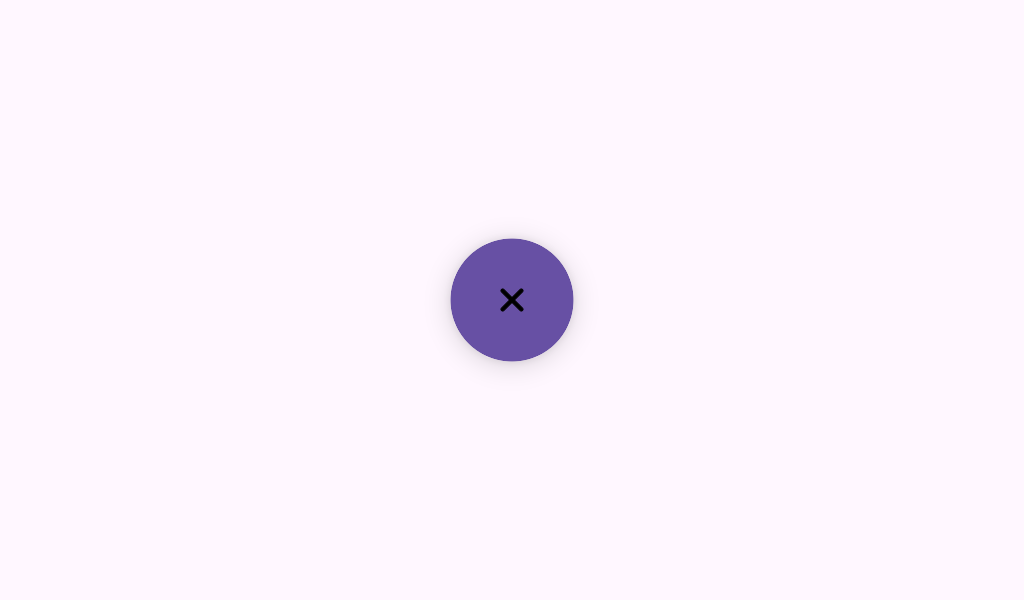

ToggleFloatingActionButton
Source set: Common
@Composable
public fun ToggleFloatingActionButton(
    checked: Boolean,
    onCheckedChange: (Boolean) -> Unit,
    modifier: Modifier = Modifier,
    containerColor: (Float) -> Color = ToggleFloatingActionButtonDefaults.containerColor(),
    contentAlignment: Alignment = Alignment.TopEnd,
    containerSize: (Float) -> Dp = ToggleFloatingActionButtonDefaults.containerSize(),
    containerCornerRadius: (Float) -> Dp =
        ToggleFloatingActionButtonDefaults.containerCornerRadius(),
    content: @Composable ToggleFloatingActionButtonScope.() -> Unit,
)
Parameters
| checked | whether this Toggleable FAB is checked |
| onCheckedChange | callback to be invoked when this Toggleable FAB is clicked, therefore the change of the state in requested |
| modifier | the Modifier to be applied to this Toggleable FAB |
| containerColor | the color used for the background of this Toggleable FAB, based on the checked progress value from 0-1 |
| contentAlignment | the alignment of this Toggleable FAB when checked |
| containerSize | the size of this Toggleable FAB, based on the checked progress value from 0-1 |
| containerCornerRadius | the corner radius of this Toggleable FAB, based on the checked progress value from 0-1 |
| content | the content of this Toggleable FAB, typically an Icon that switches from an Add to a Close sign at 50% checked progress |
