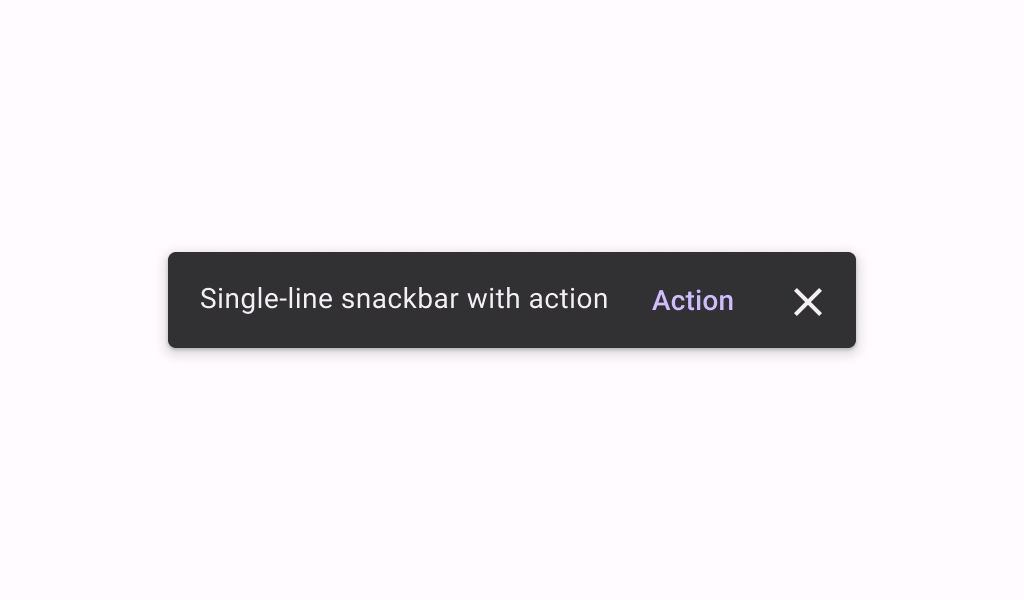

Snackbar
Source set: Common
@Composable
public fun Snackbar(
    modifier: Modifier = Modifier,
    action: @Composable (() -> Unit)? = null,
    dismissAction: @Composable (() -> Unit)? = null,
    actionOnNewLine: Boolean = false,
    shape: Shape = SnackbarDefaults.shape,
    containerColor: Color = SnackbarDefaults.color,
    contentColor: Color = SnackbarDefaults.contentColor,
    actionContentColor: Color = SnackbarDefaults.actionContentColor,
    dismissActionContentColor: Color = SnackbarDefaults.dismissActionContentColor,
    content: @Composable () -> Unit,
)
Parameters
| modifier | the Modifier to be applied to this snackbar |
| action | action / button component to add as an action to the snackbar. Consider using ColorScheme.inversePrimary as the color for the action, if you do not have a predefined color you wish to use instead. |
| dismissAction | action / button component to add as an additional close affordance action when a snackbar is non self-dismissive. Consider using ColorScheme.inverseOnSurface as the color for the action, if you do not have a predefined color you wish to use instead. |
| actionOnNewLine | whether or not action should be put on a separate line. Recommended for action with long action text. |
| shape | defines the shape of this snackbar's container |
| containerColor | the color used for the background of this snackbar. Use Color.Transparent to have no color. |
| contentColor | the preferred color for content inside this snackbar |
| actionContentColor | the preferred content color for the optional action inside this snackbar |
| dismissActionContentColor | the preferred content color for the optional dismissAction inside this snackbar |
| content | content to show information about a process that an app has performed or will perform |
Snackbar
Source set: Common
@Composable
public fun Snackbar(
    snackbarData: SnackbarData,
    modifier: Modifier = Modifier,
    actionOnNewLine: Boolean = false,
    shape: Shape = SnackbarDefaults.shape,
    containerColor: Color = SnackbarDefaults.color,
    contentColor: Color = SnackbarDefaults.contentColor,
    actionColor: Color = SnackbarDefaults.actionColor,
    actionContentColor: Color = SnackbarDefaults.actionContentColor,
    dismissActionContentColor: Color = SnackbarDefaults.dismissActionContentColor,
)
Parameters
| snackbarData | data about the current snackbar showing via SnackbarHostState |
| modifier | the Modifier to be applied to this snackbar |
| actionOnNewLine | whether or not action should be put on a separate line. Recommended for action with long action text. |
| shape | defines the shape of this snackbar's container |
| containerColor | the color used for the background of this snackbar. Use Color.Transparent to have no color. |
| contentColor | the preferred color for content inside this snackbar |
| actionColor | the color of the snackbar's action |
| actionContentColor | the preferred content color for the optional action inside this snackbar. See SnackbarVisuals.actionLabel. |
| dismissActionContentColor | the preferred content color for the optional dismiss action inside this snackbar. See SnackbarVisuals.withDismissAction. |
