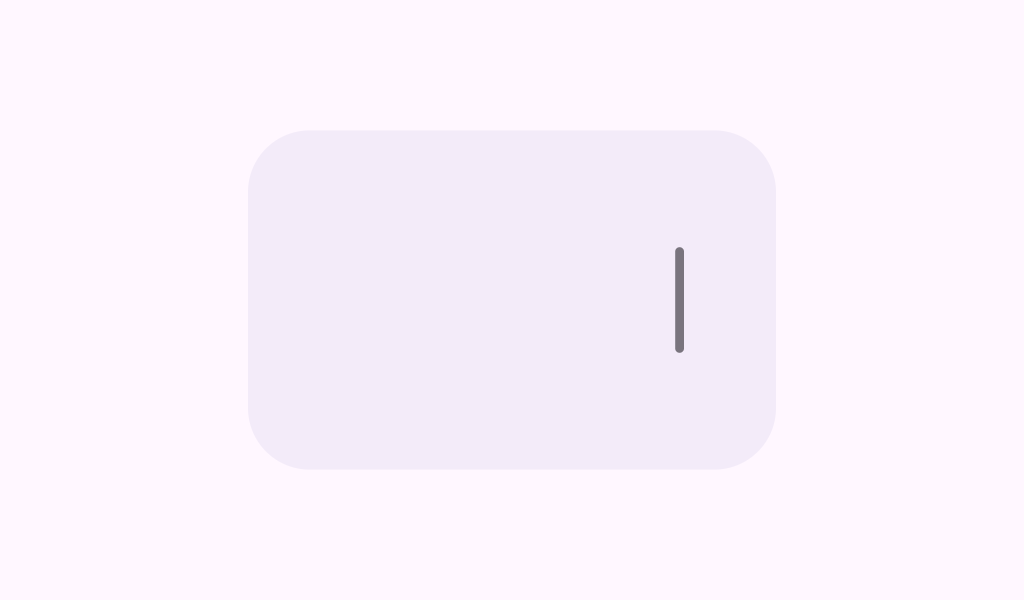
VerticalDragHandle

A drag handle is a capsule-like shape that can be used by users to change component size and/or position by dragging. A typical usage of it will be pane expansion - when you split your screen into multiple panes, a drag handle is suggested to be used so users can drag it to change the proportion of how the screen is being split. Note that a vertically oriented drag handle is meant to convey horizontal drag motions.

Common
@Composable
fun VerticalDragHandle(
    modifier: Modifier = Modifier,
    sizes: DragHandleSizes = VerticalDragHandleDefaults.sizes(),
    colors: DragHandleColors = VerticalDragHandleDefaults.colors(),
    shapes: DragHandleShapes = VerticalDragHandleDefaults.shapes(),
    interactionSource: MutableInteractionSource? = null,
)

Parameters

modifier the Modifier to be applied to this drag handle.
sizes sizes of this drag handle; see VerticalDragHandleDefaults.sizes for the default values.
colors colors of this drag handle; see VerticalDragHandleDefaults.colors for the default values.
shapes shapes of this drag handle; see VerticalDragHandleDefaults.colors for the default values.
interactionSource an optional hoisted MutableInteractionSource for observing and emitting Interactions for this drag handle. You can use this to change the drag handle's appearance or preview the drag handle in different states. Note that if null is provided, interactions will still happen internally.

Code Examples

VerticalDragHandleSample

@Preview
@Composable
fun VerticalDragHandleSample() {
    var offsetX by remember { mutableStateOf(0f) }
    var screenSize by remember { mutableStateOf(IntSize.Zero) }
    val density = LocalDensity.current
    Box(
        modifier =
            Modifier.fillMaxSize().onGloballyPositioned { layoutCoordinates ->
                screenSize = layoutCoordinates.size
                if (offsetX == 0f) {
                    offsetX = screenSize.width / 2f
                }
            }
    ) {
        Surface(
            modifier = Modifier.width(with(density) { offsetX.toDp() }).fillMaxHeight(),
            color = MaterialTheme.colorScheme.surfaceContainerHighest,
            shape = RoundedCornerShape(0.dp, 24.dp, 24.dp, 0.dp),
        ) {
            Box(modifier = Modifier.fillMaxSize(), contentAlignment = Alignment.CenterEnd) {
                VerticalDragHandle(
                    modifier =
                        Modifier.draggable(
                                orientation = Orientation.Horizontal,
                                state =
                                    rememberDraggableState { delta ->
                                        offsetX =
                                            (offsetX + delta).coerceIn(
                                                with(density) { 48.dp.toPx() },
                                                screenSize.width.toFloat(),
                                            )
                                    },
                            )
                            .systemGestureExclusion() // To avoid colliding with the back gesture
                )
            }
        }
    }
}