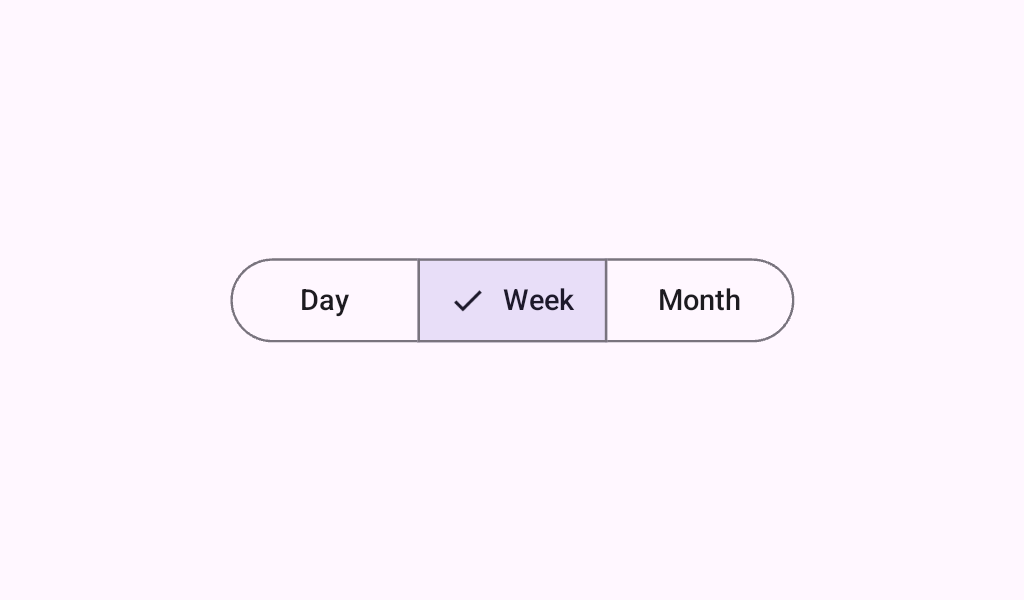


SegmentedButtonSingleSelectSample
@Sampled
@Composable
@Preview
fun SegmentedButtonSingleSelectSample() {
    var selectedIndex by rememberSaveable { mutableStateOf(0) }
    val options = listOf("Day", "Month", "Week")
    SingleChoiceSegmentedButtonRow {
        options.forEachIndexed { index, label ->
            SegmentedButton(
                shape = SegmentedButtonDefaults.itemShape(index = index, count = options.size),
                onClick = { selectedIndex = index },
                selected = index == selectedIndex,
            ) {
                Text(label)
            }
        }
    }
}