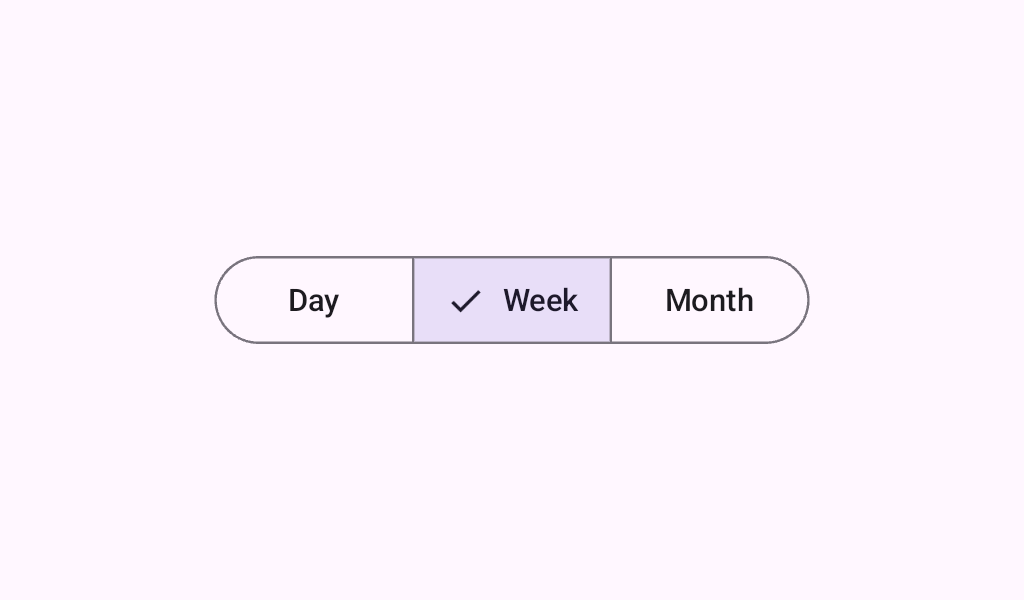

SingleChoiceSegmentedButtonRow

A Layout to correctly position and size SegmentedButtons in a Row. It handles overlapping items so that strokes of the item are correctly on top of each other. SingleChoiceSegmentedButtonRow is used when the selection only allows one value, for correct semantics.

Common
@Composable
fun SingleChoiceSegmentedButtonRow(
    modifier: Modifier = Modifier,
    space: Dp = SegmentedButtonDefaults.BorderWidth,
    content: @Composable SingleChoiceSegmentedButtonRowScope.() -> Unit,
)

Parameters

modifier the Modifier to be applied to this row
space the dimension of the overlap between buttons. Should be equal to the stroke width used on the items.
content the content of this Segmented Button Row, typically a sequence of SegmentedButtons

Code Examples

SegmentedButtonSingleSelectSample

@Composable
@Preview
fun SegmentedButtonSingleSelectSample() {
    var selectedIndex by remember { mutableStateOf(0) }
    val options = listOf("Day", "Month", "Week")
    SingleChoiceSegmentedButtonRow {
        options.forEachIndexed { index, label ->
            SegmentedButton(
                shape = SegmentedButtonDefaults.itemShape(index = index, count = options.size),
                onClick = { selectedIndex = index },
                selected = index == selectedIndex,
            ) {
                Text(label)
            }
        }
    }
}