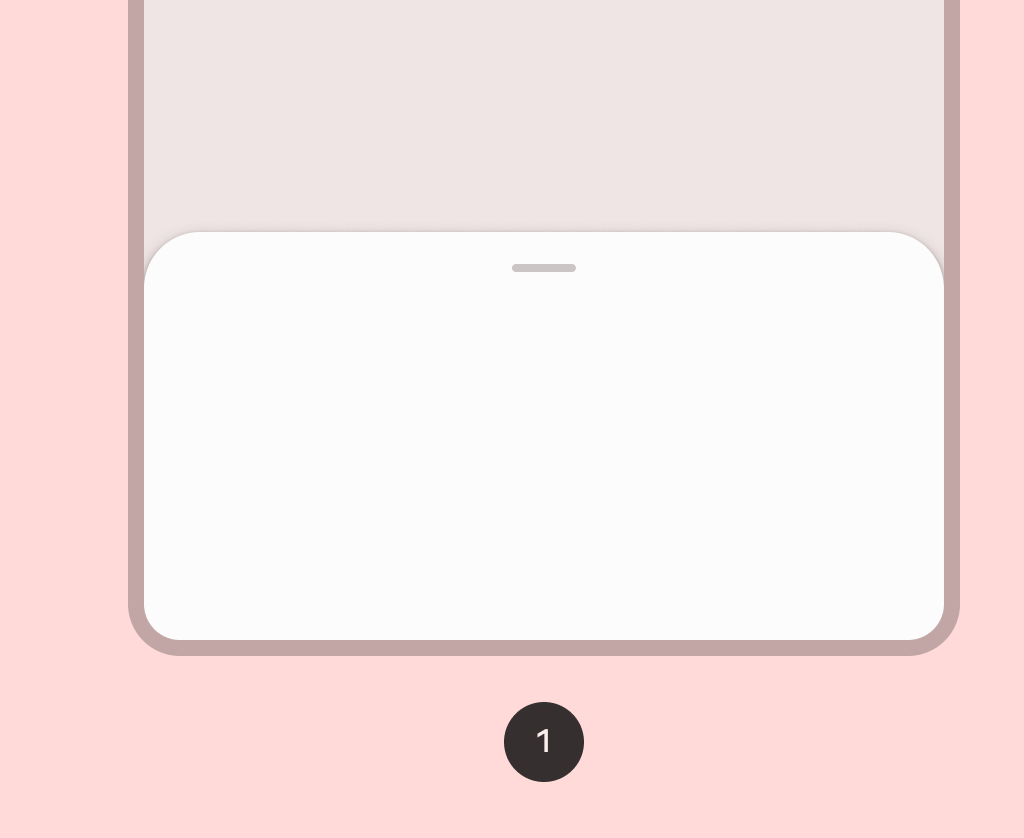
Material Design standard bottom sheet scaffold Standard bottom sheets co-exist with the screen’s main UI region and allow for simultaneously viewing and interacting with both regions.
SimpleBottomSheetScaffoldSample
@Preview
@Sampled
@OptIn(ExperimentalMaterial3Api::class)
@Composable
fun SimpleBottomSheetScaffoldSample() {
    val scope = rememberCoroutineScope()
    val scaffoldState = rememberBottomSheetScaffoldState()

    BottomSheetScaffold(
        scaffoldState = scaffoldState,
        sheetPeekHeight = 128.dp,
        sheetContent = {
            Column(Modifier.fillMaxWidth(), horizontalAlignment = Alignment.CenterHorizontally) {
                Box(Modifier.fillMaxWidth().height(128.dp), contentAlignment = Alignment.Center) {
                    Text("Swipe up to expand sheet")
                }
                Text("Sheet content")
                Button(
                    modifier =
                        Modifier.padding(bottom = 64.dp).focusProperties {
                            // Make sure the button is not keyboard focusable when it's offscreen.
                            canFocus =
                                scaffoldState.bottomSheetState.currentValue == SheetValue.Expanded
                        },
                    onClick = { scope.launch { scaffoldState.bottomSheetState.partialExpand() } },
                ) {
                    Text("Click to collapse sheet")
                }
            }
        },
    ) { innerPadding ->
        Box(
            modifier = Modifier.fillMaxSize().padding(innerPadding),
            contentAlignment = Alignment.Center,
        ) {
            Text("Scaffold Content")
        }
    }
}